












Back to all services

AI workflow automation that takes the repeat work off your marketing team.

I build workflows on your own tools that handle leads, content, email and reports, and stop for a person before anything publishes, sends or spends.

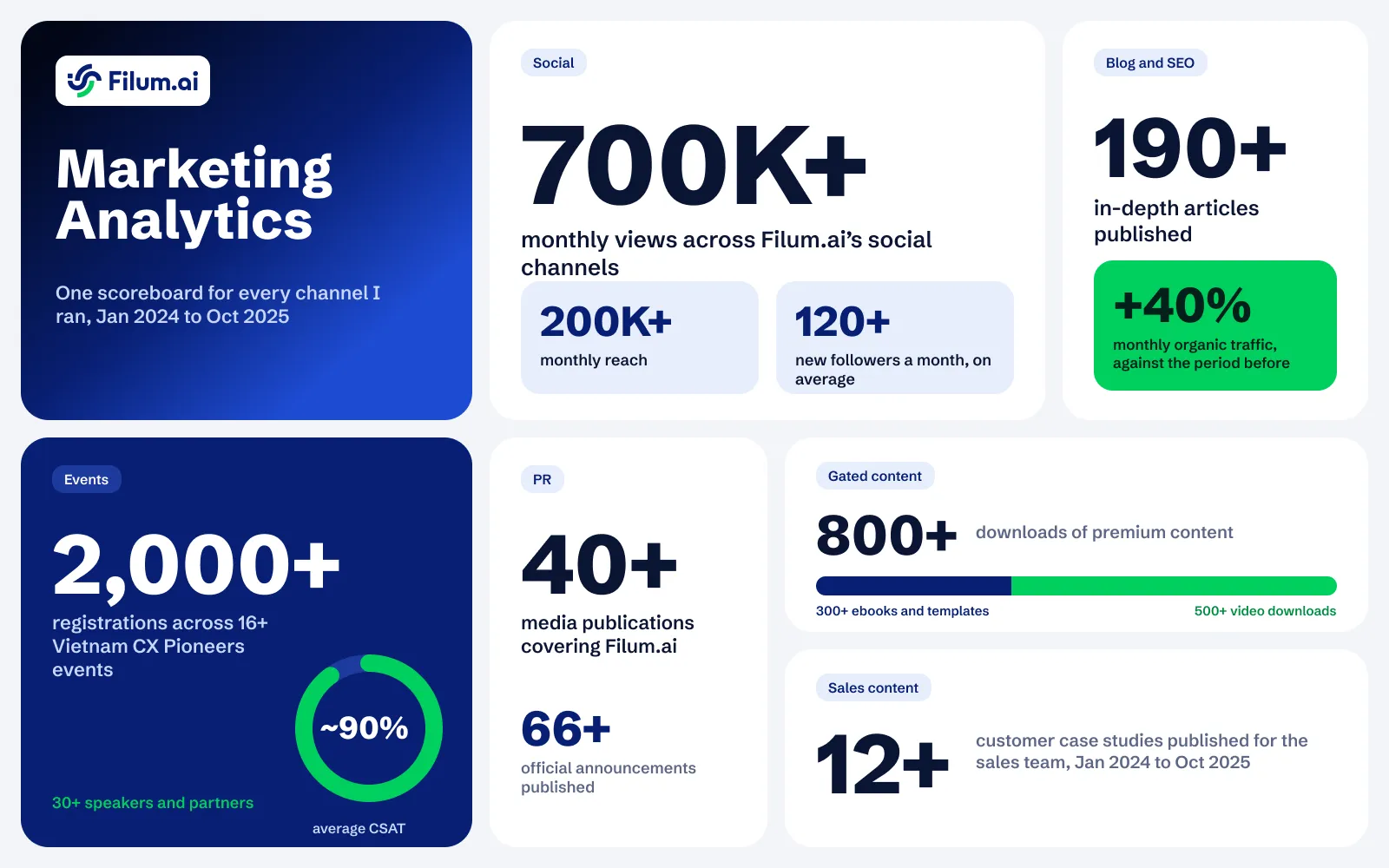
  • ~75%

    Of the marketing process automated

  • 60+

    Hours of manual work saved a month, estimated

  • 25+

    AI workflows built across 6 projects

What I handle

I build the workflows a marketing team runs on, on the tools you already pay for. Each one checks its own work, logs what it does and waits for a person before it publishes, sends or spends. One system can serve several brands at once.

Book an automation audit call
  • Automation audit and plan

    Find the tasks eating your team's week, and decide which ones a system should take over.

  • Lead capture and qualification

    Sort every new inquiry, research the company, and send the real leads to the right team automatically.

  • CRM updates without manual entry

    Fill your CRM with clean, complete records automatically, so nobody types in leads by hand again.

  • Blog and social content production

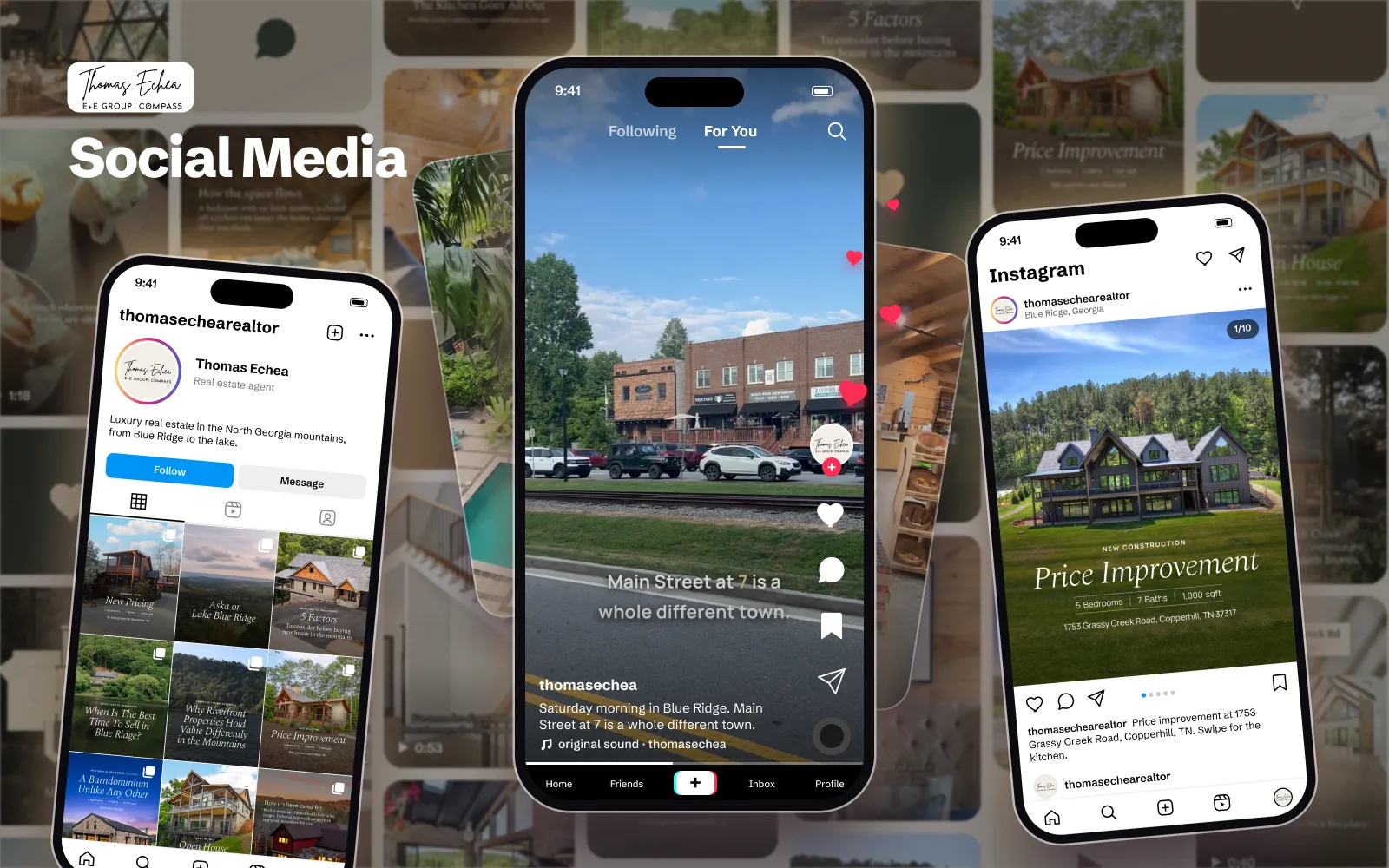
    Turn one idea into blog posts, social posts and translations, drafted by AI and approved by you.

  • SEO automation

    Track your rankings automatically and get a weekly list of pages to fix, update or write next.

  • Competitor ad research and ad creation

    Collect your competitors' running ads, learn which ones work, and turn the best ideas into ads for you.

  • Email automation

    Send the right email at the right moment, from welcome to win-back, without flooding anyone's inbox.

  • Market and competitor monitoring

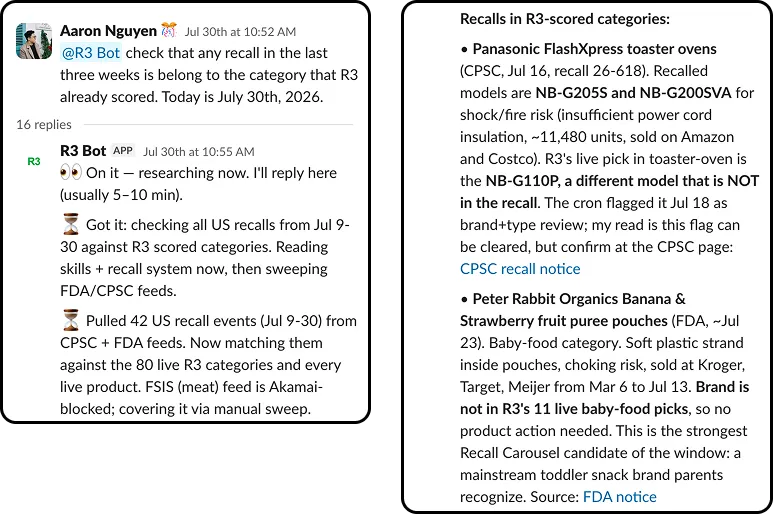
    Get an alert when prices, product recalls or search demand change, and skip the daily manual checks.

  • Automated reports and alerts

    Get your key numbers in one daily report, and a warning the moment something stops working.

  • Multi-brand setup for agencies

    Run content, social and ads for every client brand from one system, each with its own voice.

How a project runs

Step 1 of 6Week 1

Learn how your team works

Before automating anything, I see how your team works today, where the time goes and where work gets stuck.

  • Short interviews with the people who do the work
  • Access to the tools your team works in every day
  • Each process mapped step by step, with who does what
  • A list of the repeat tasks that take the most time

Step 2 of 6Weeks 2 and 3

Choose what to automate

I rank the tasks by time saved and risk, and we agree which ones a system takes over.

  • A check of the tools and automations you already have, including any that are quietly broken
  • A simple plan for each workflow: what starts it and what it does
  • The steps where a person must approve, such as anything that publishes, sends or spends
  • A build order, starting with the biggest time savings

Step 3 of 6Weeks 2 to 4

Clean up the data first

Automation repeats whatever it reads, so I fix the data and write the rules before building anything.

  • Inputs entered the same way in every tool a workflow reads
  • One trusted source for the facts it uses, such as products, prices and policies
  • Your brand voice and quality rules, written as checks the system runs
  • A named owner and the right access for every account it touches

Step 4 of 6Weeks 3 to 8

Build on the tools you already use

I build one workflow at a time and test it on your real data before it goes live.

  • Content, social and email production, each with an approval step
  • Lead routing, reports and data syncs between your tools
  • Research and monitoring that flags what needs your attention
  • An automatic quality check on everything AI produces, before you see it

Step 5 of 6Weeks 6 to 10, then ongoing

Go live and keep watch

Each workflow takes over step by step, and I watch every run so problems show up early.

  • An alert in your team chat or email whenever a run fails or goes quiet
  • Spot checks of live results against your source data
  • Every mistake turned into a new rule, so it does not happen again

Step 6 of 6When you are ready

Hand over to your team

Everything runs on your own accounts, so your team can run it without me.

  • A short guide for each workflow
  • Training for the people who approve and run it
  • An owner on your team for each workflow
  • Support afterwards, if you want it

My tool stack

The tools I use for AI workflow automation work, across the projects above.

Workflow automation

  • n8n
  • Apify
  • Make
  • Playwright
  • Zapier

CRM

  • HubSpot
  • Karbon

Email and outreach

  • Brevo
  • Dripify
  • Klaviyo
  • Resend
  • Smartlead

AI models

  • Claude
  • ChatGPT (OpenAI)
  • Perplexity
  • Google Gemini

Data and dashboards

  • Google Search Console
  • Looker Studio
  • PostHog
  • Supabase

Tracking and AI visibility

  • Google Tag Manager
  • Google Analytics 4
  • Microsoft Clarity

Building and shipping

  • WordPress
  • Shopify

Common questions

The questions I hear most before a project starts.

What can AI automate in marketing, and what should stay human?

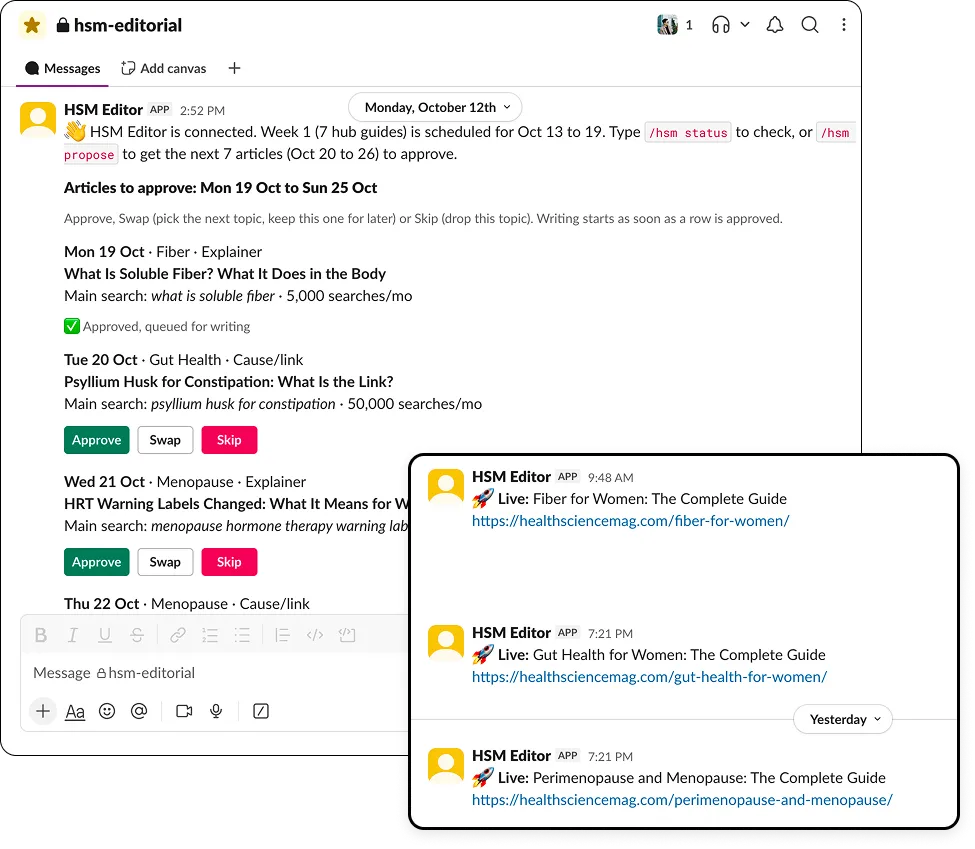
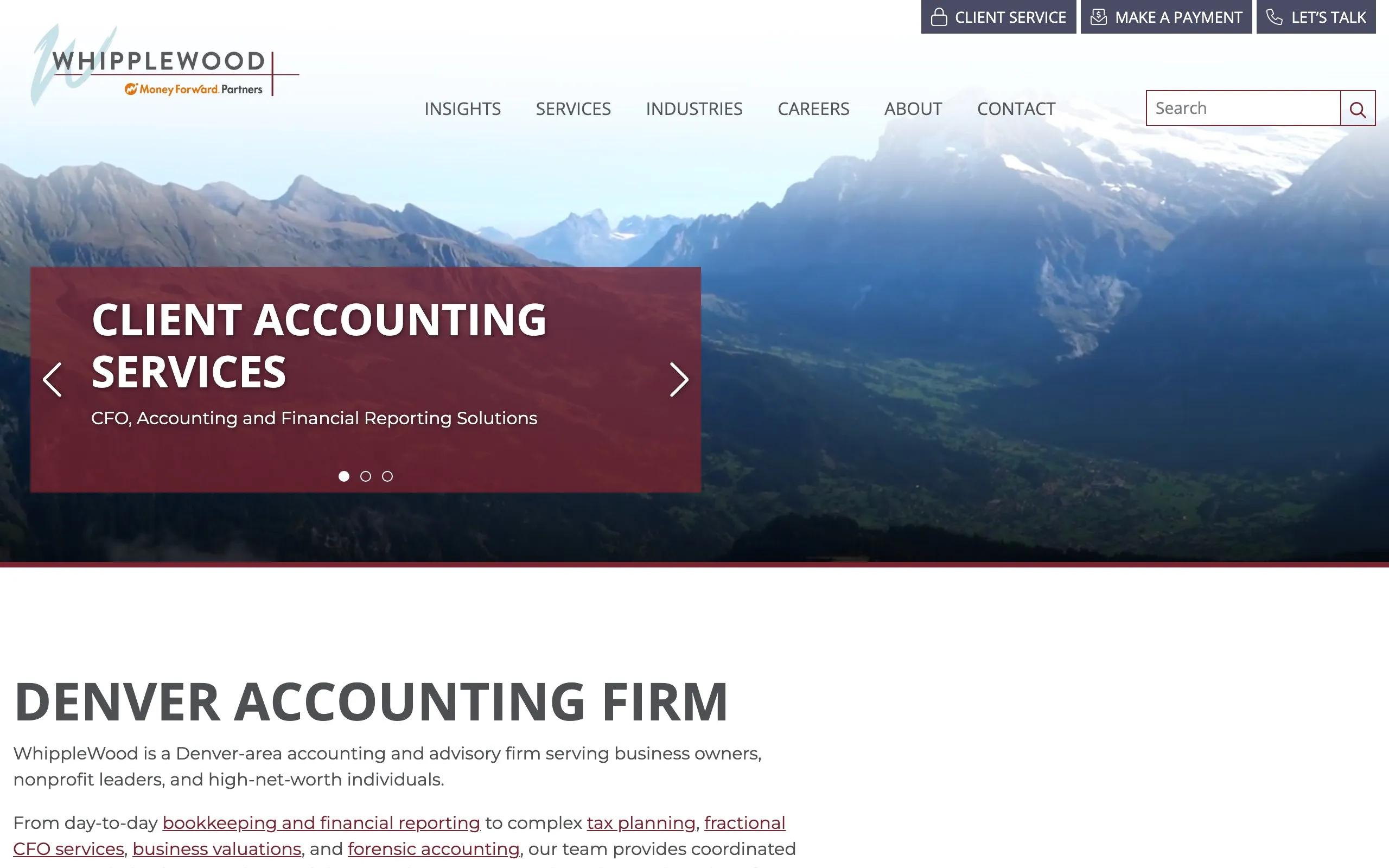
The repeat work: sorting and researching leads, filing them in your CRM, drafting content from verified facts, sending emails on triggers, watching competitors and pulling numbers into reports. Strategy, the angle, final approval and anything that needs taste or trust stay with people. At WhippleWood the pipeline files every lead, and a person still decides on duplicates and unclear cases.

Will AI publish or send anything without us seeing it?

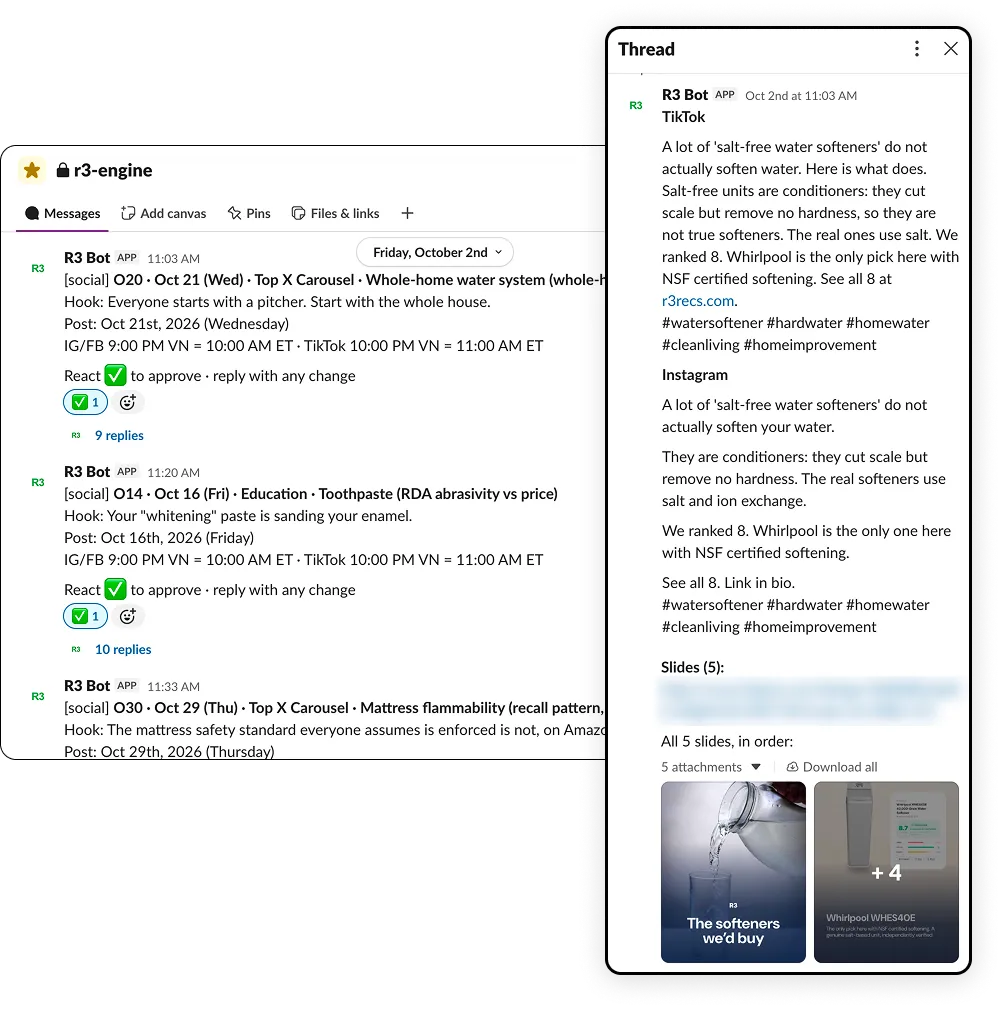
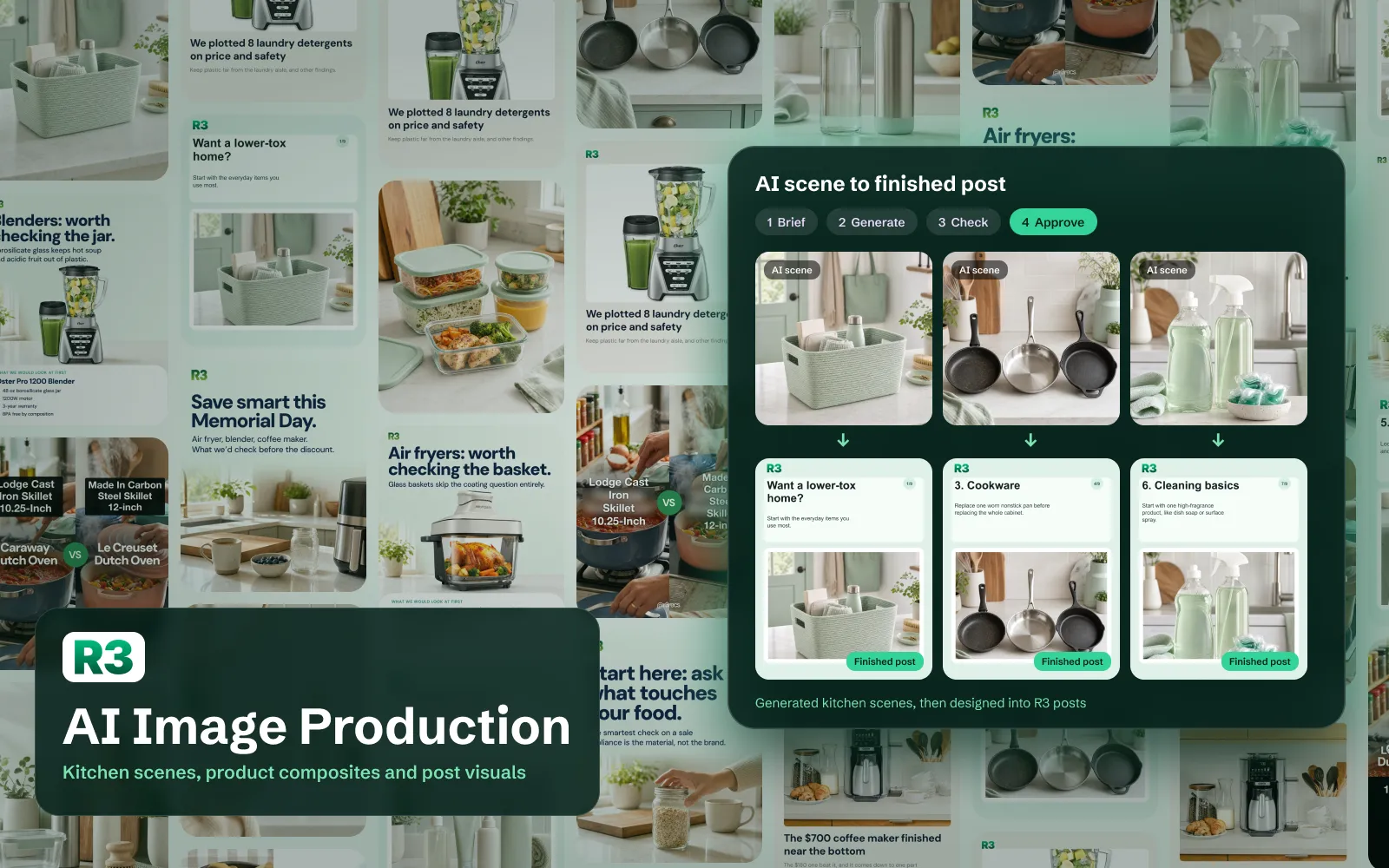
Not unless you choose that and the record shows it is safe. Posts, emails, ad spend and anything in your name wait for a person. On R3 one approval in the team's chat publishes each post, and a recall that is only a near match waits until someone confirms it.

Do I have to change my tools?

No. I build on what you already use where I can: your CRM, website, store, email platform, spreadsheets, design tools and team chat. WhippleWood kept Karbon, Seya kept Shopify and Klaviyo. I add n8n, Zapier or custom code only where it is the simplest way to do the job.

How do you keep AI output accurate and on brand?

Each workflow writes only from facts it is given, such as your product data, prices and approved claims, and a separate check reviews the output before a person does. For Seya's journal in seven languages, a second check re-read every translation against a claims glossary for that language, and a live audit found 334 of 340 correct, with the other six fixed the same day.

What happens when something breaks?

Every workflow logs its runs and alerts someone when a step fails or a job goes quiet. On R3 that audit found eight scheduled jobs that had never run. While I support a system I fix the cause, and each failure becomes a rule so it does not happen the same way again.

Who owns the workflows when we finish?

You do. They run on your accounts, each comes with a short guide, and your team is trained to run them. At WhippleWood the firm's own operations lead now owns the data standard I wrote.

How much does it cost?

It depends on how many workflows and tools are involved, so I quote after a short call. Tell me about your team and your tools on the contact page, and I send a plan and my rates by email or on Zalo.

Let's take the repeat work off your team

Tell me which tasks eat your team's week and which tools you use. I reply within one working day.