



Back to all services

AI chatbots and assistants that answer your customers and take work off your team.

I build website chatbots that answer from your own knowledge and route each visitor to the right person, and assistants that research, draft and report for your team.

What I handle

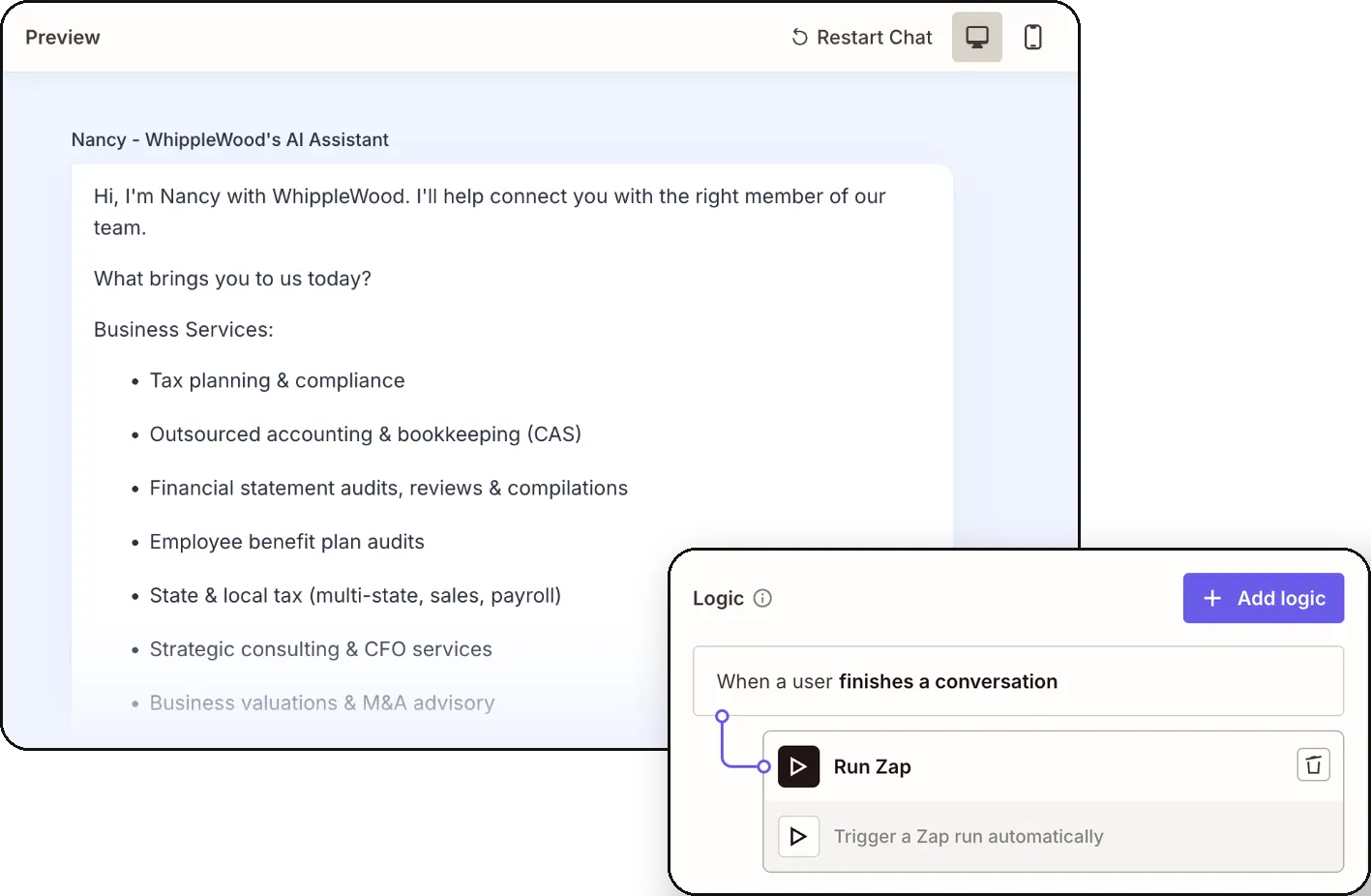
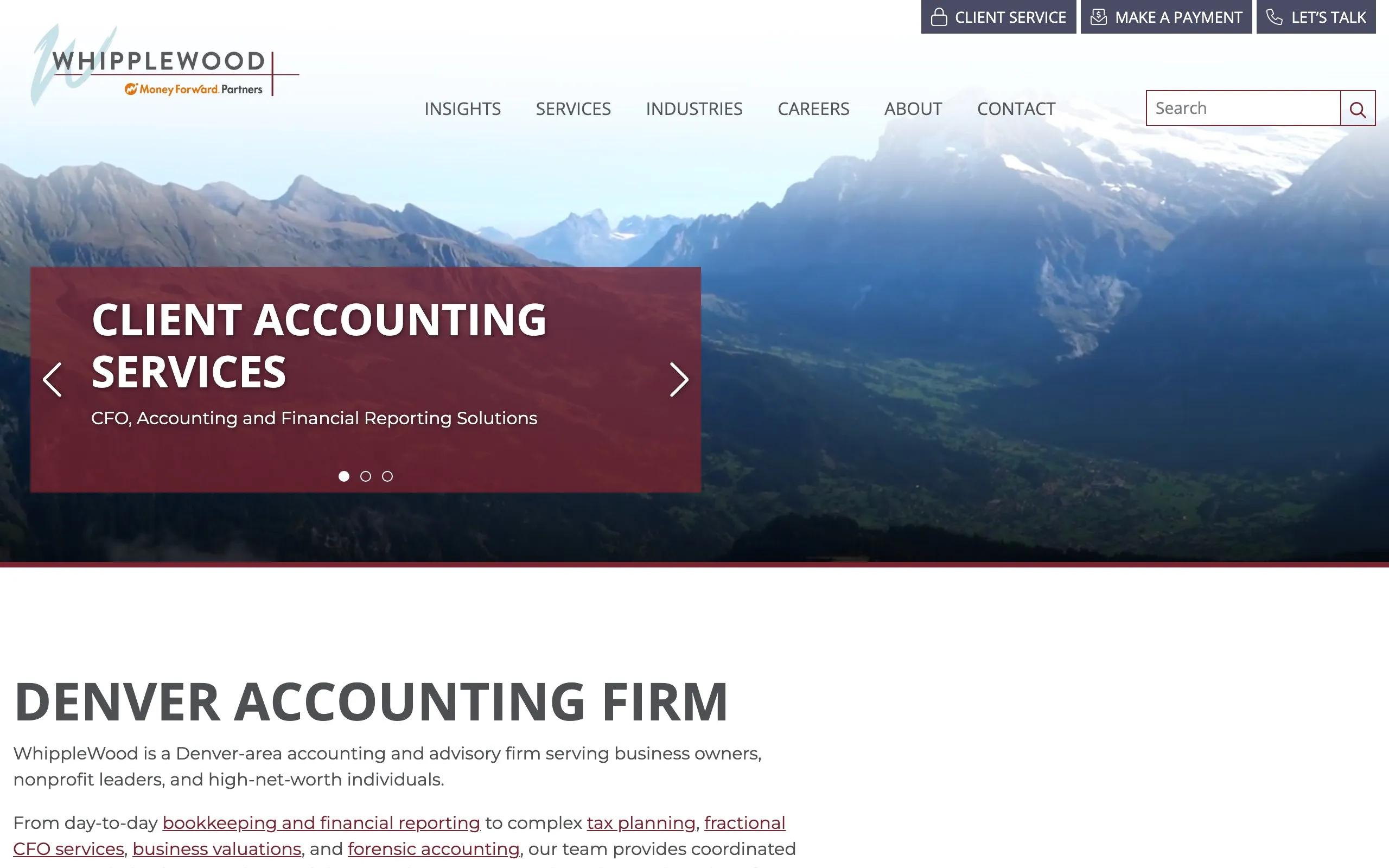
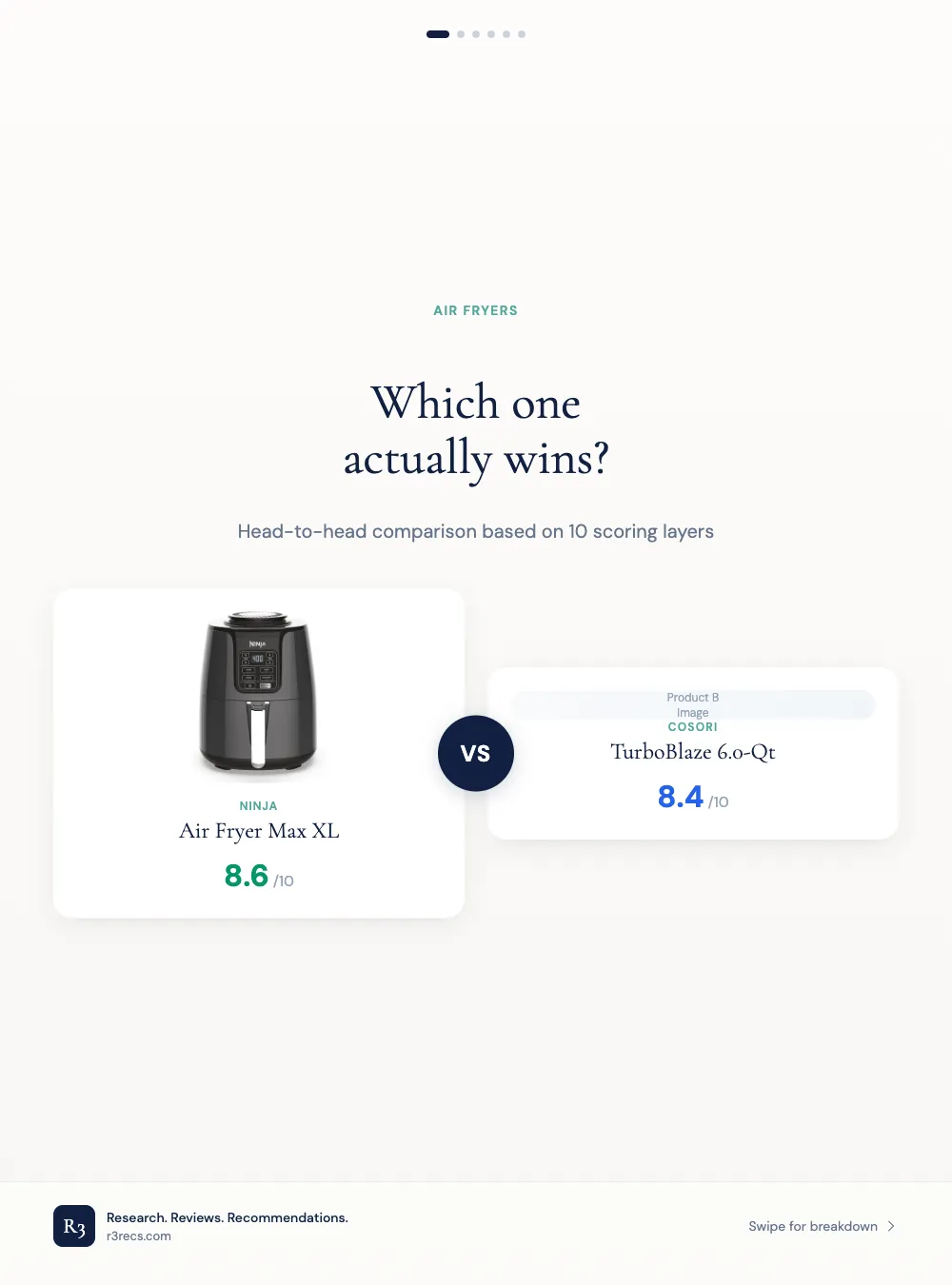
I build the chatbot, write what it knows, and connect it to the people who follow up. On WhippleWood that meant a short qualifying conversation, pages written for the chatbot to answer from, and a handoff that files each lead in the firm’s CRM under the right company. On R3 it meant an assistant in Slack that takes plain-English requests from the team.

Book a chatbot planning call
  • Chatbot strategy and planning

    Map the questions your team answers every day, and decide which ones a chatbot can take off them.

  • Lead qualification chatbots

    Qualify website visitors with a few short questions, so your sales team only talks to real buyers.

  • Knowledge base writing

    Turn your services, prices and policies into clear pages your chatbot answers from, instead of guessing.

  • CRM integration and lead handoff

    Send every qualified lead into your CRM with the visitor's answers attached, and alert your team right away.

  • Internal AI assistants for your team

    Give your team an assistant in its chat app that turns a plain request into finished work.

  • Chatbot monitoring and improvement

    Review real conversations every month, fix weak answers, and report how many leads the chatbot brought in.

How a project runs

Step 1 of 6Week 1

Learn how you sell today

Before building anything, I learn how leads reach you and what people ask before they buy.

  • A review of how leads arrive today and who follows up
  • A list of real questions from your inbox, calls and site searches
  • What the chatbot must never answer or promise
  • One success measure agreed before the build

Step 2 of 6Week 2

Design the conversation

I design a short conversation that asks only what decides whether a lead fits.

  • A flow map with each branch, such as personal or business questions
  • The fewest questions needed to qualify a lead
  • A polite way to decline visitors you cannot help, with useful links instead
  • A summary the visitor confirms before the chat ends

Step 3 of 6Weeks 2 to 4

Write the knowledge base

A chatbot is only as accurate as what it reads, so I write that first.

  • Answer-first pages on each service, written for AI to read
  • Short, factual answers to the questions from step one
  • Pages that also help you show up in AI search answers

Step 4 of 6Weeks 3 to 5

Build and connect it

I put the chatbot on your site and connect it to the tools your team already uses.

  • The chatbot live on each of your sites
  • Each finished chat filed in your CRM and routed to the right team
  • An alert in your team chat or email, and a follow-up email to the visitor
  • Trial runs with real questions before launch

Step 5 of 6Every month

Watch it and improve it

I read what the chatbot says and what it brings in, and fix the knowledge base where it falls short.

  • Conversations and qualified leads counted by source
  • Wrong or missing answers fixed in the knowledge base
  • A check that the chatbot is live on every site
  • New services and staff added as they change

Step 6 of 6When you are ready

Hand over to your team

The chatbot runs on your own accounts, so your team can keep it going without me.

  • The chatbot, its flows and its knowledge base on your accounts
  • A short guide to updating answers and routing
  • Training for the person who takes it over
  • Support afterwards, if you want it

My tool stack

The tools I use for AI assistants and chatbots work, across the projects above.

Chatbot building

  • Zapier
  • WordPress

Lead handoff

  • Karbon
  • Slack
  • Perplexity

AI models

  • ChatGPT (OpenAI)
  • Claude

Data and dashboards

  • Looker Studio

Common questions

The questions I hear most before a project starts.

Will the chatbot make things up?

It answers from a knowledge base I write for it, from your own pages and facts, and it hands over when a question falls outside them. You stay responsible for what it says, as a Canadian tribunal ruled against Air Canada in 2024, so I read its conversations and fix wrong answers at the source.

Can a visitor still reach a person?

Yes. Every conversation ends with a clear handoff. On WhippleWood a finished chat alerts the right person in Slack, emails the visitor the intake form, and files the lead in the firm's CRM.

How many leads will a chatbot bring in?

Fewer than most people expect. On WhippleWood the chatbot brought 6 of 131 qualified leads in its first year, while the website form brought 113. Its value was in sorting visitors and filing clean leads fast, and I track every lead by source so you can see that for yourself.

Where does our data go?

The chatbot, its knowledge base and the leads run on your own accounts. It asks only for the details needed to follow up, and I check the disclosure and privacy rules for the places your customers live.

Can you build an assistant for our team, not our customers?

Yes. On R3 I built a marketing assistant in Slack. It posts a summary every morning, takes requests in plain English and replies in the same thread with the finished work.

Can it work on Zalo or Messenger?

My chatbots so far run on websites and in Slack. The knowledge base and the handoff carry over to Zalo or Messenger, and I check each channel's messaging rules on our first call.

How much does it cost?

It depends on how many questions the chatbot must handle and which tools it connects to, so I quote after a short call. Tell me about your visitors and your CRM on the contact page, and I send a plan and my rates by email or on Zalo.

Let's build a chatbot that knows your business

Tell me what visitors ask you and where your leads go today. I reply within one working day.