


Back to all services

Your brand needs more images than your team can design. I build the system that makes them.

I set up the templates, product rules and checks that let AI make your social posts, ads and product images at volume, and a person approves every one before it goes out.

What I handle

I build the system behind your images: templates that hold your brand, rules that keep your real product real, and checks that run before a person approves anything. AI does the repeat work of generating and laying out each image. I set the rules, review the output and sign off on what ships.

Book an image system call
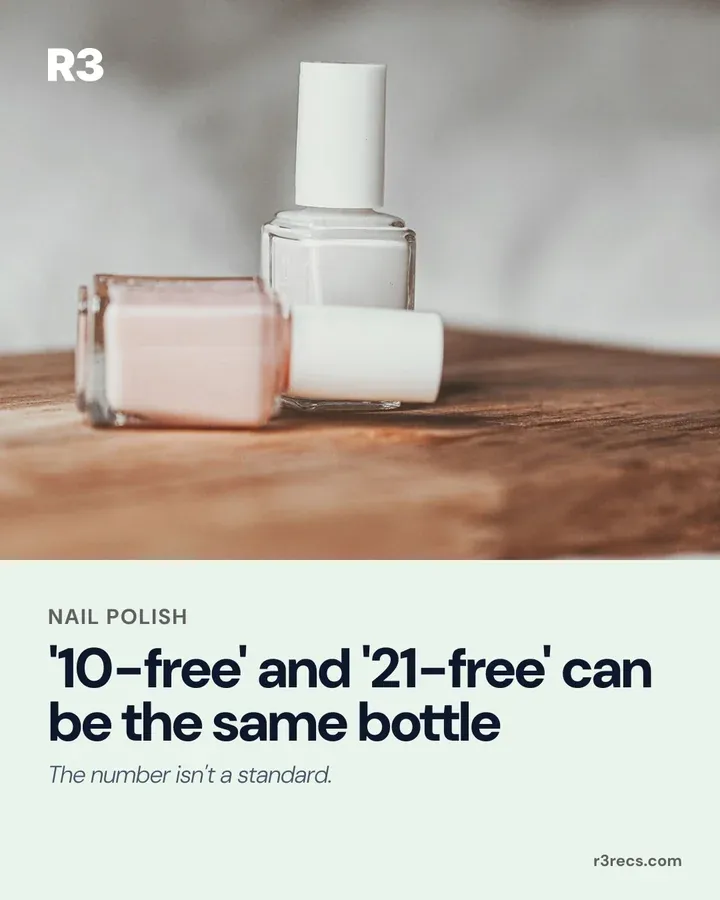
  • Social media graphics and carousels

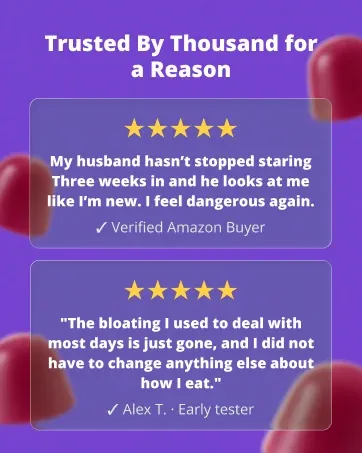
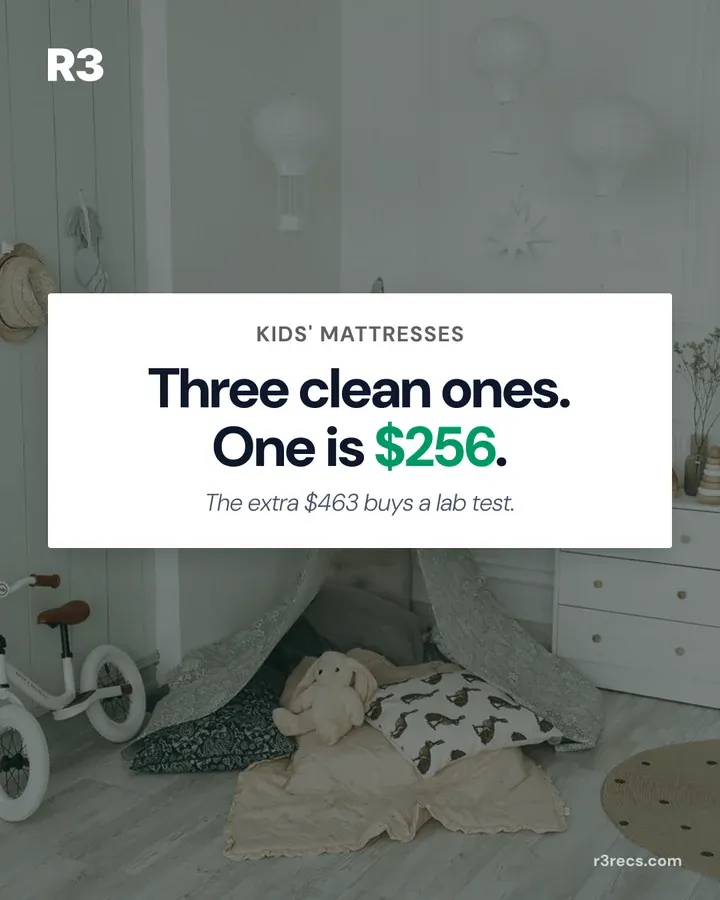
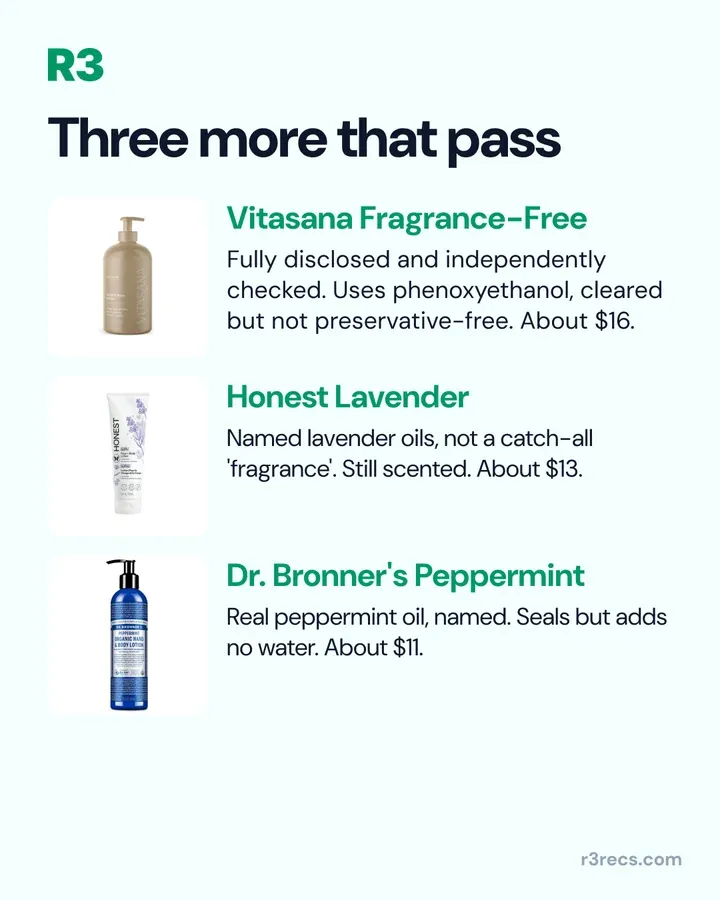
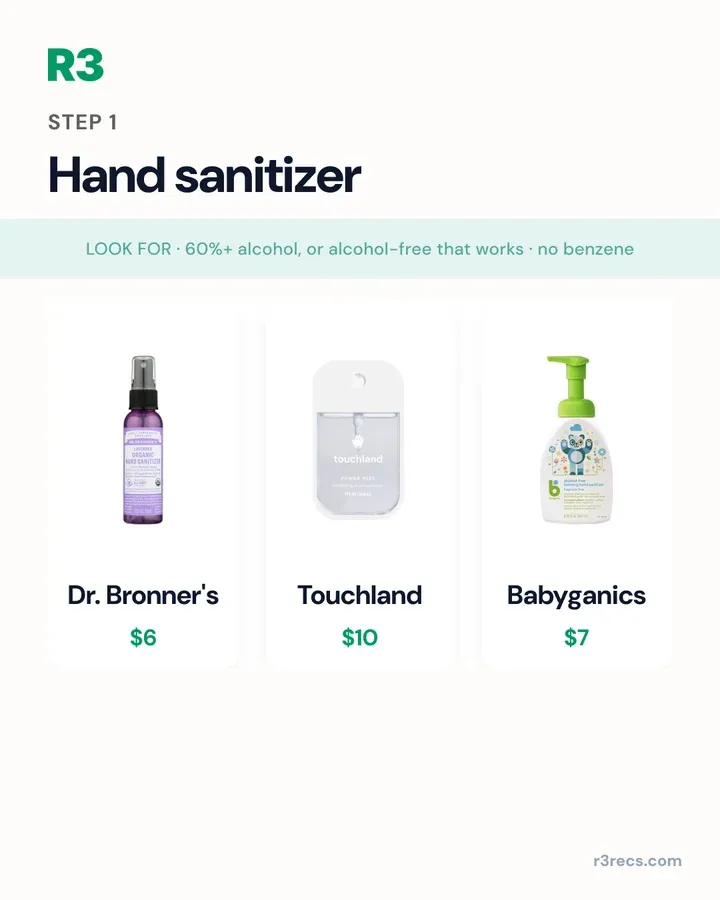
    Get on-brand carousels and posts every week from locked templates, without briefing a designer for each one.

  • AI ad creative

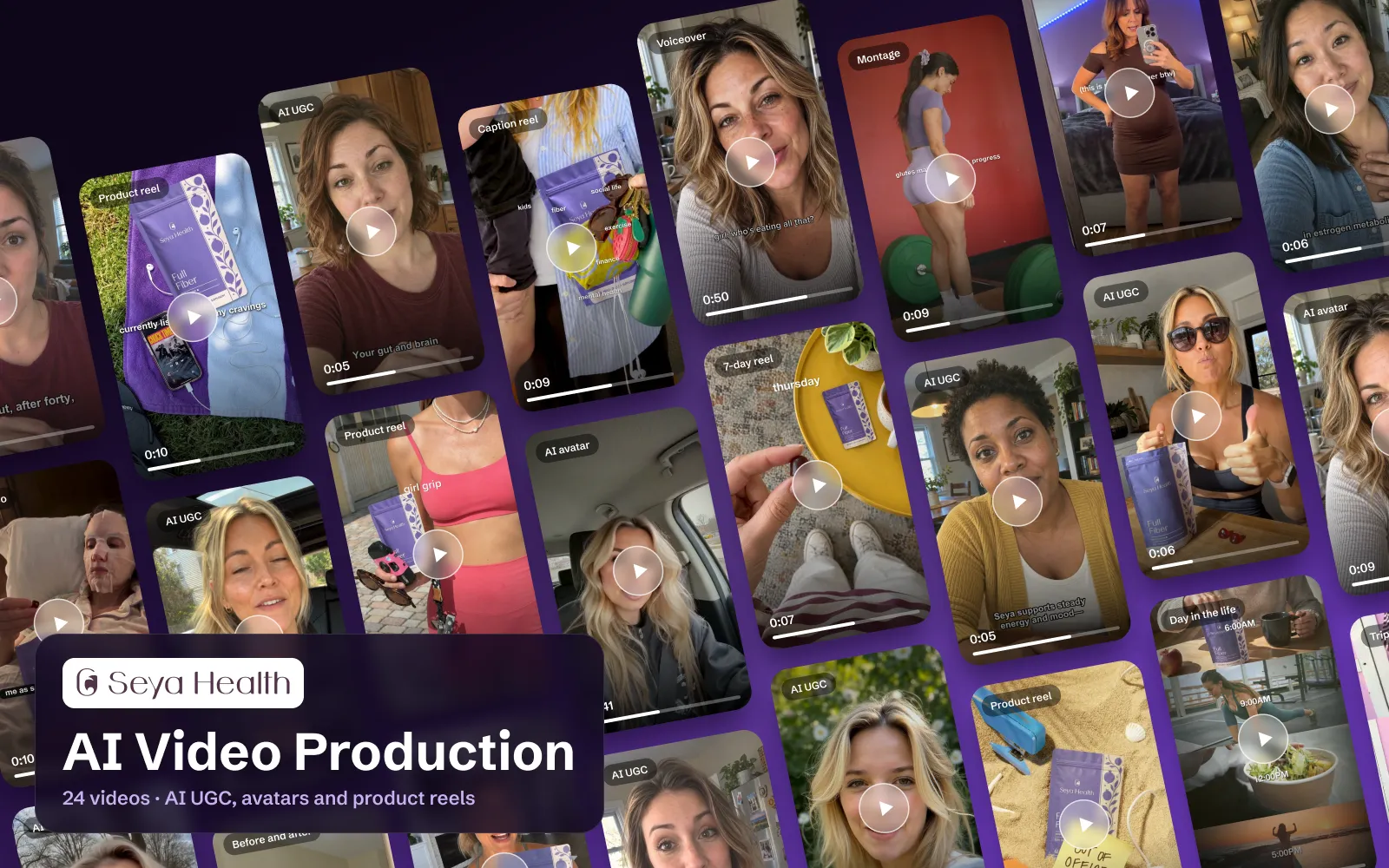
    Turn proven ad formats into fresh ads for your product, with your real pack and approved claims.

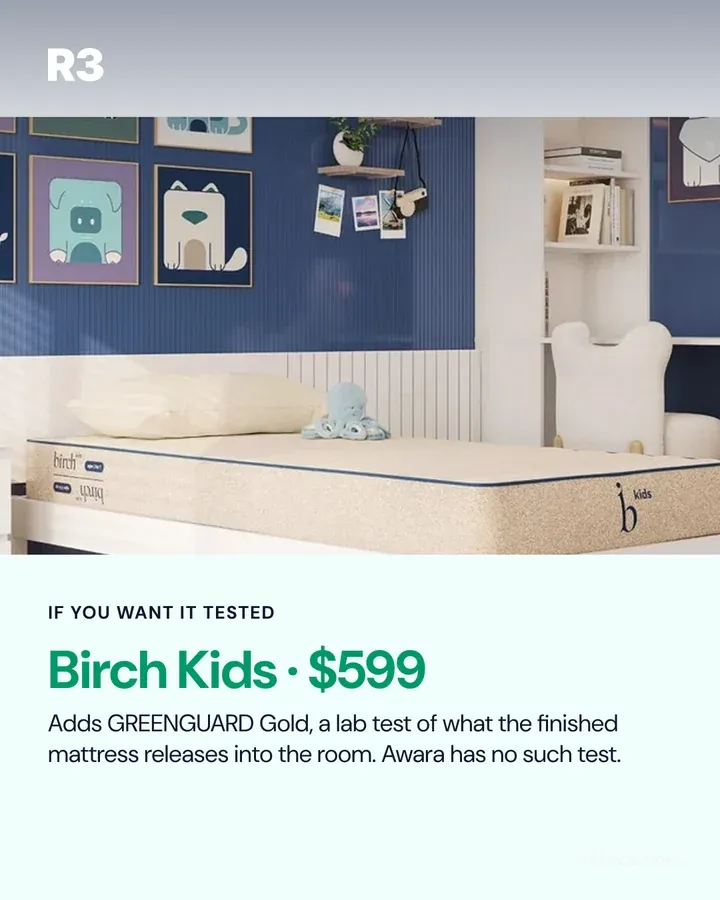
  • AI product photography and scenes

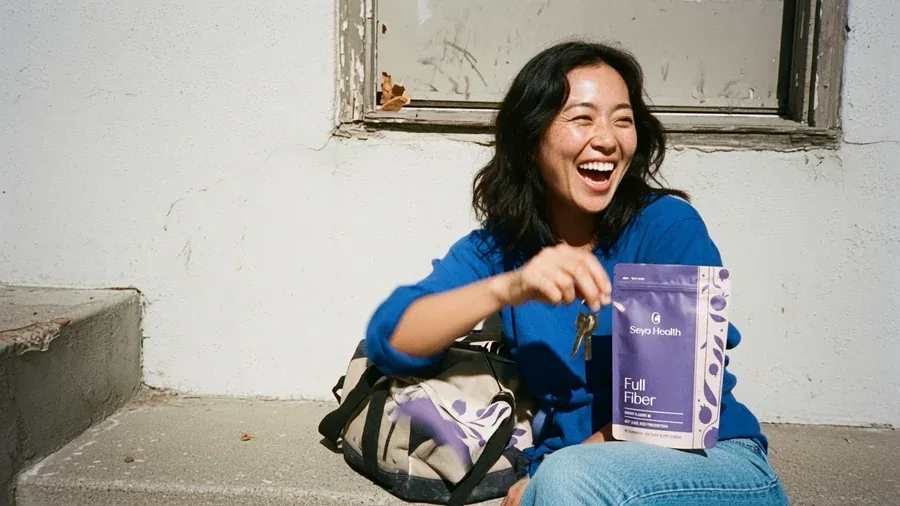
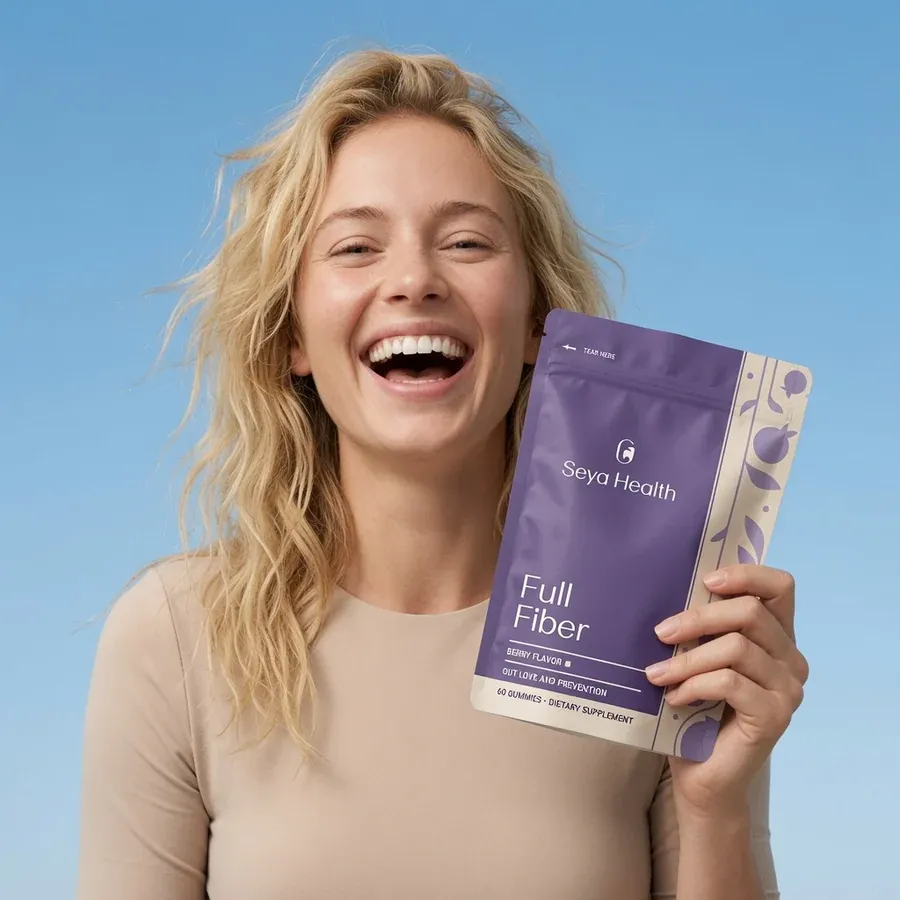
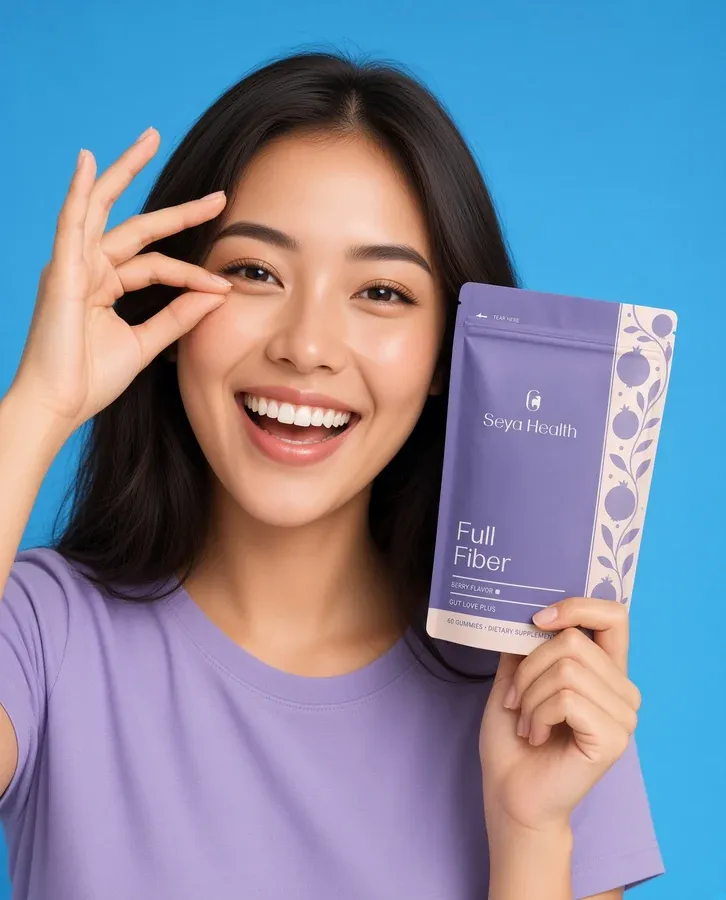
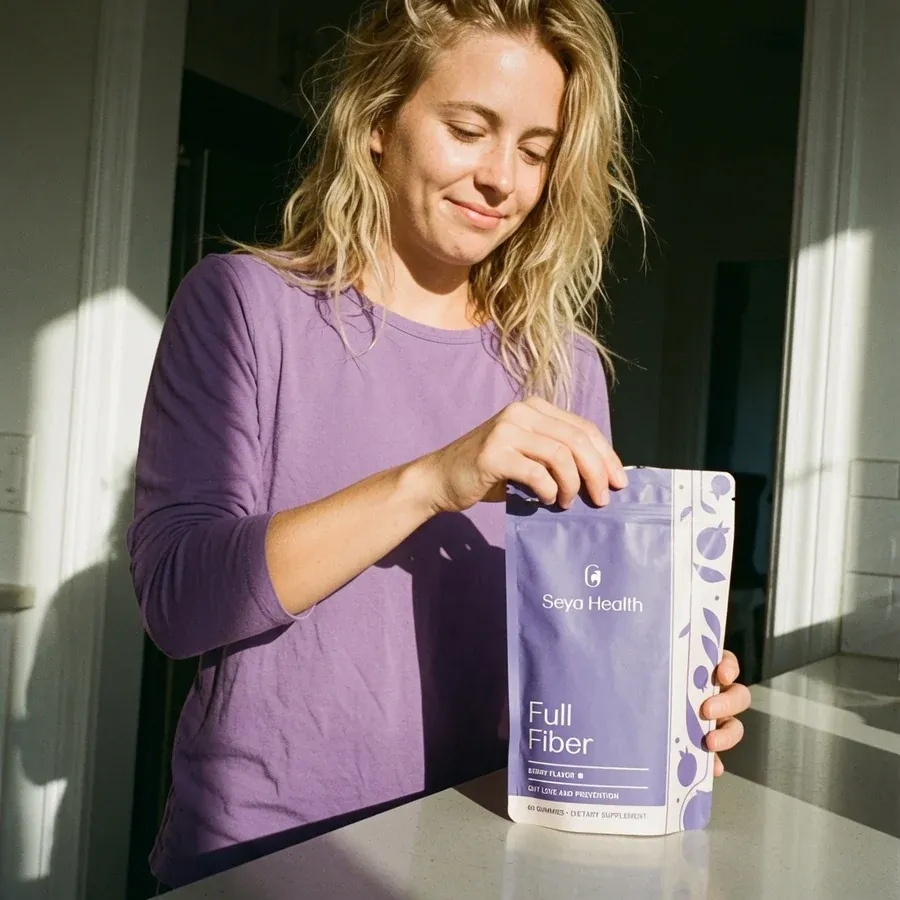
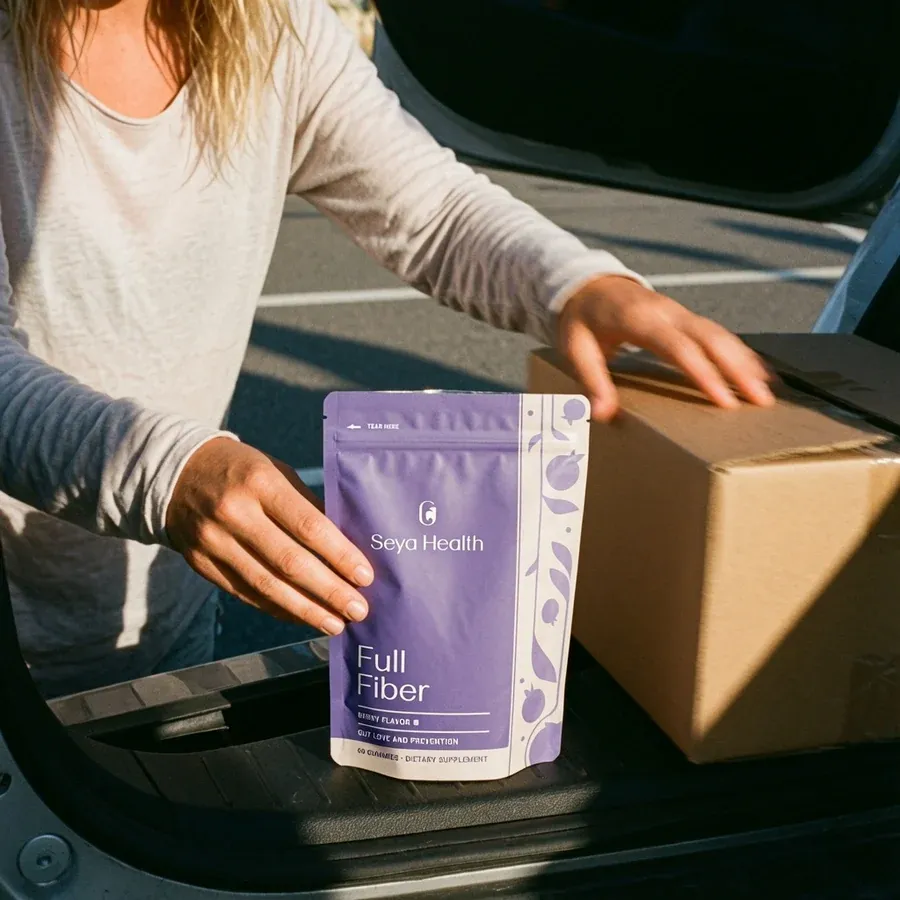
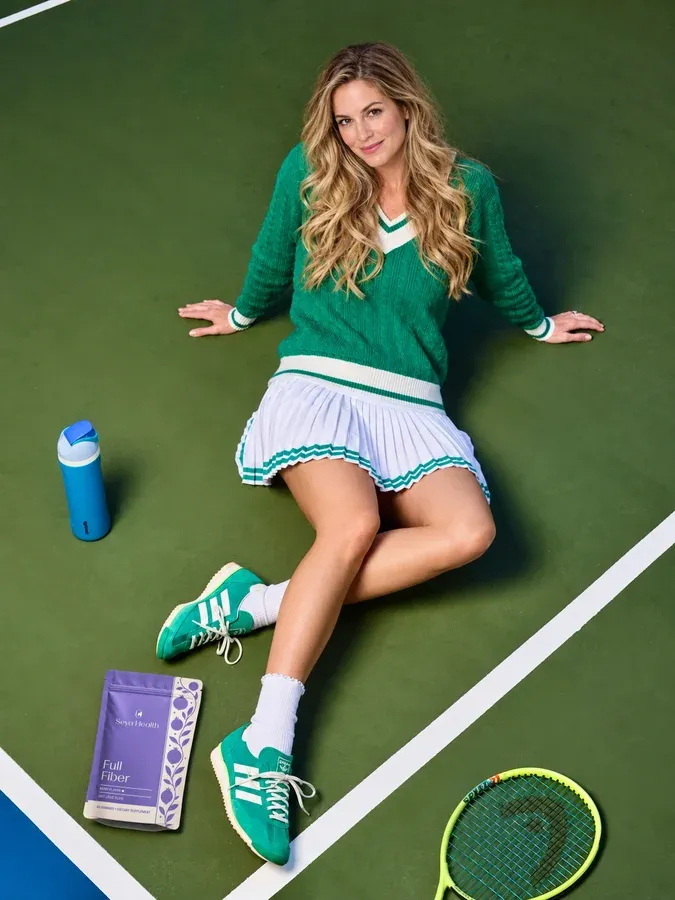
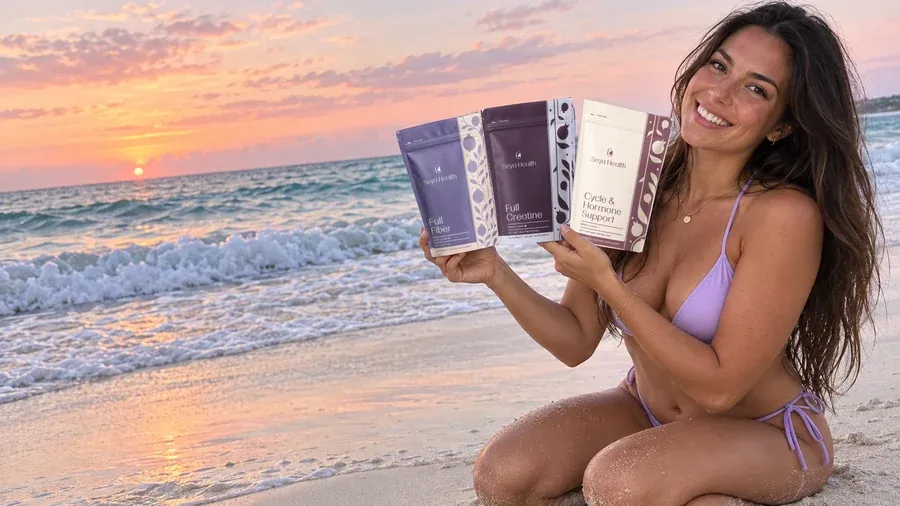
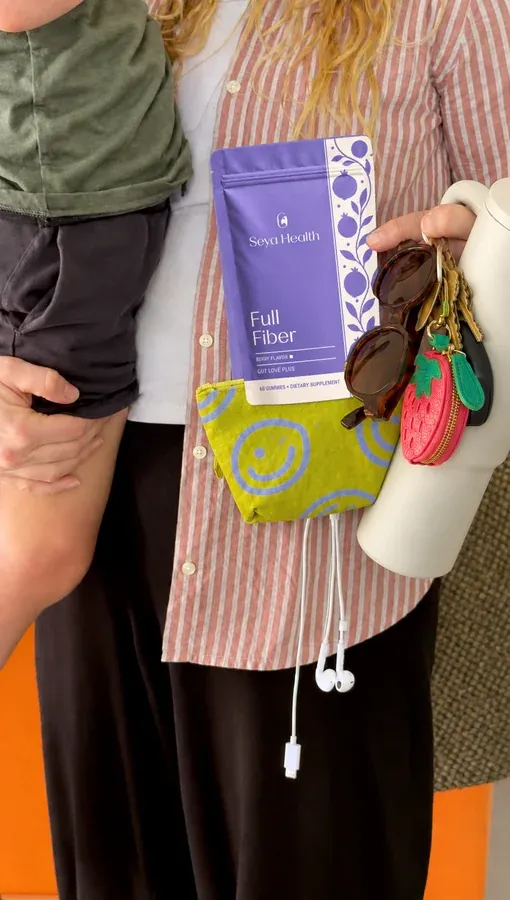
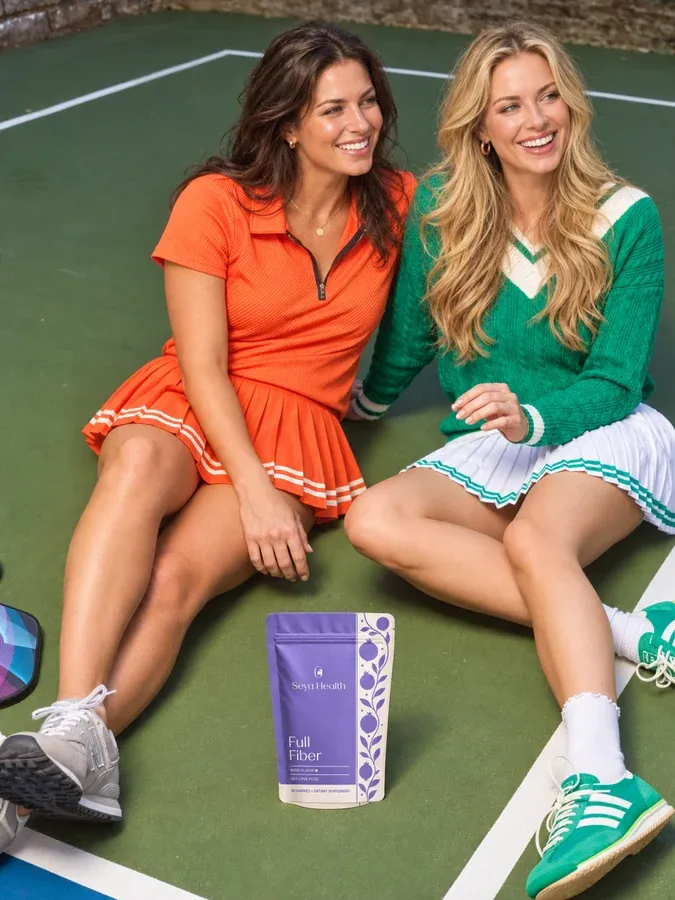
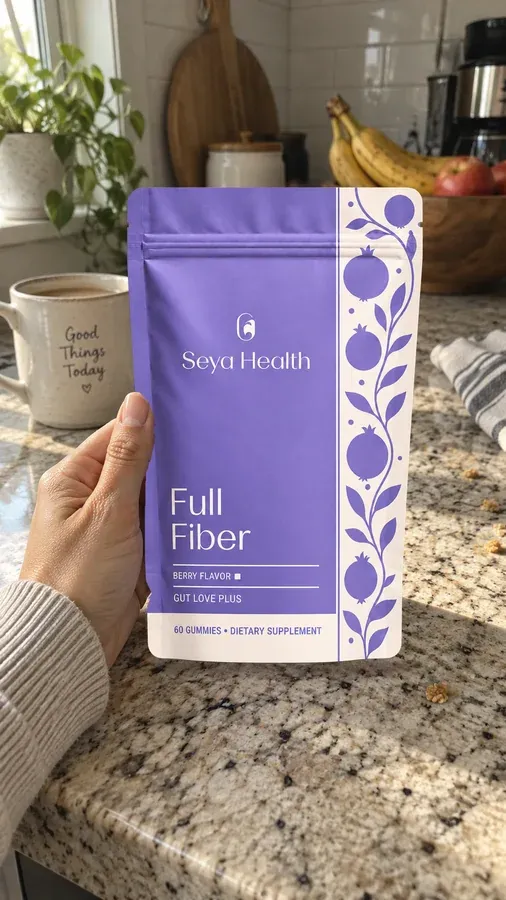
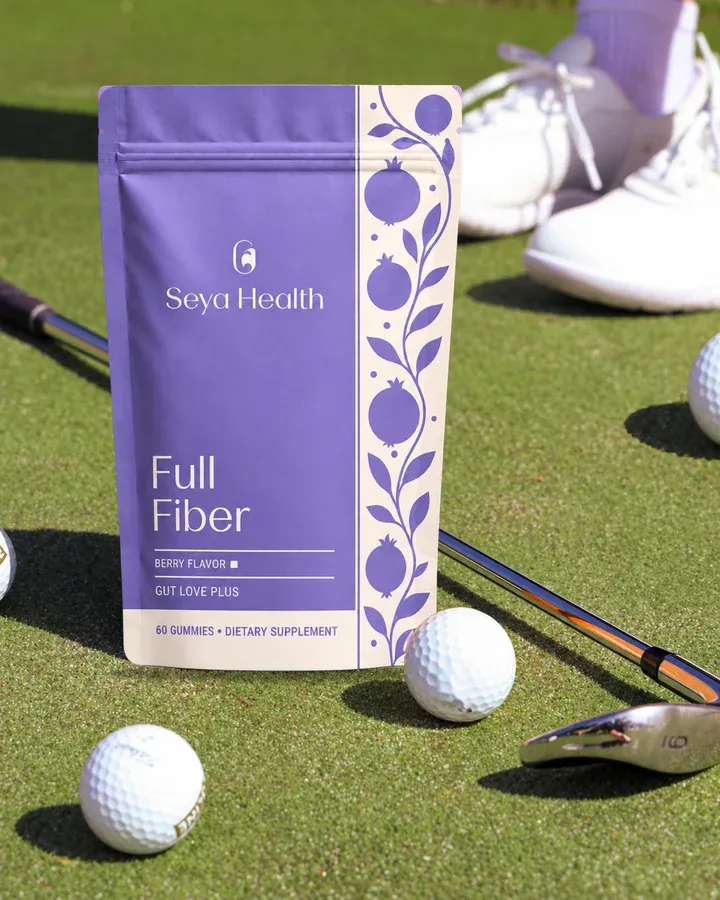
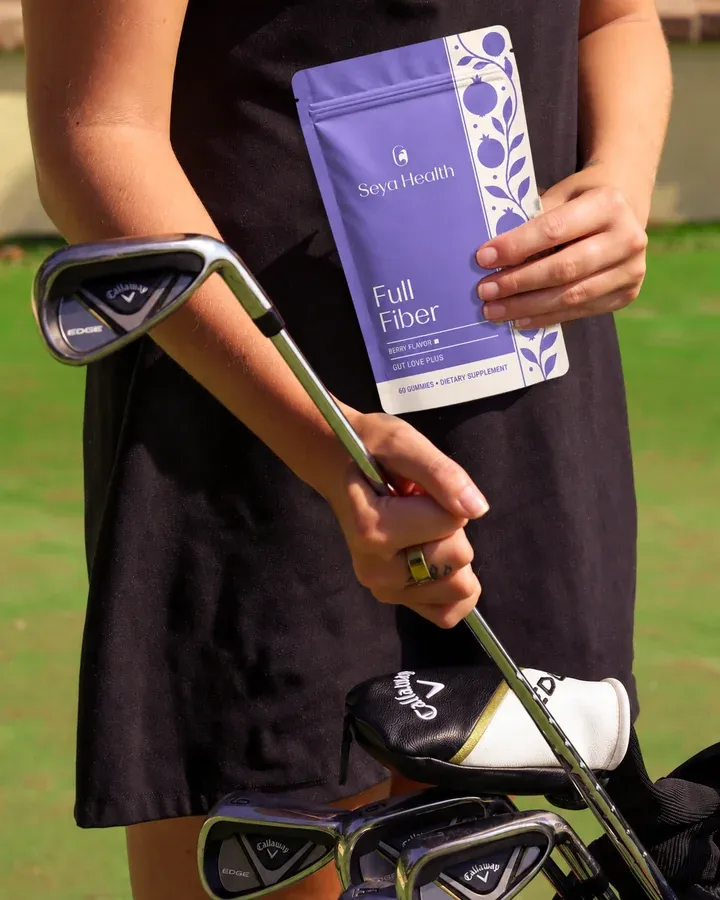
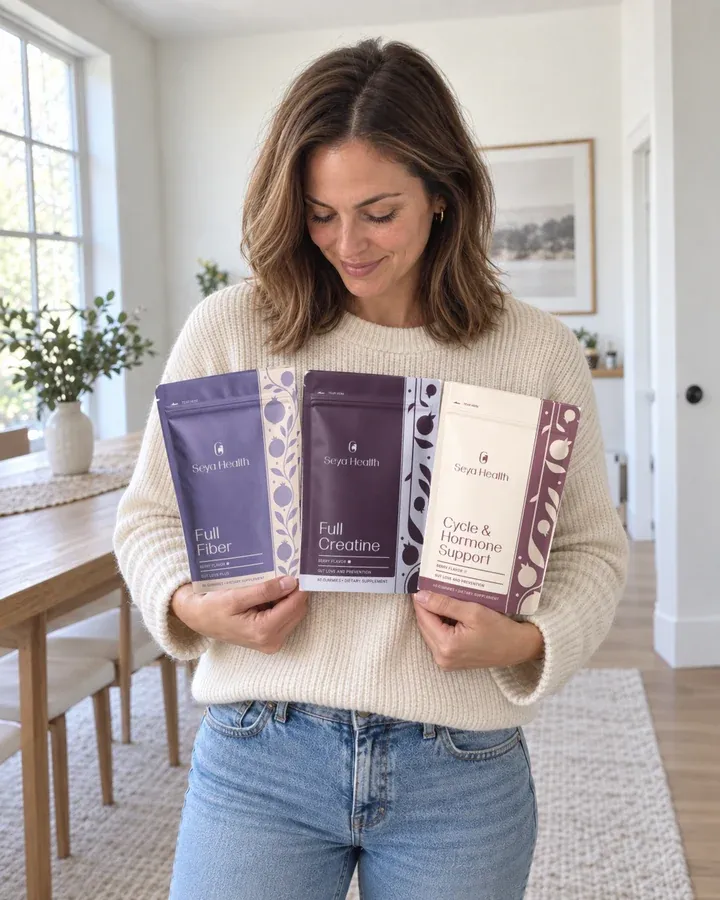
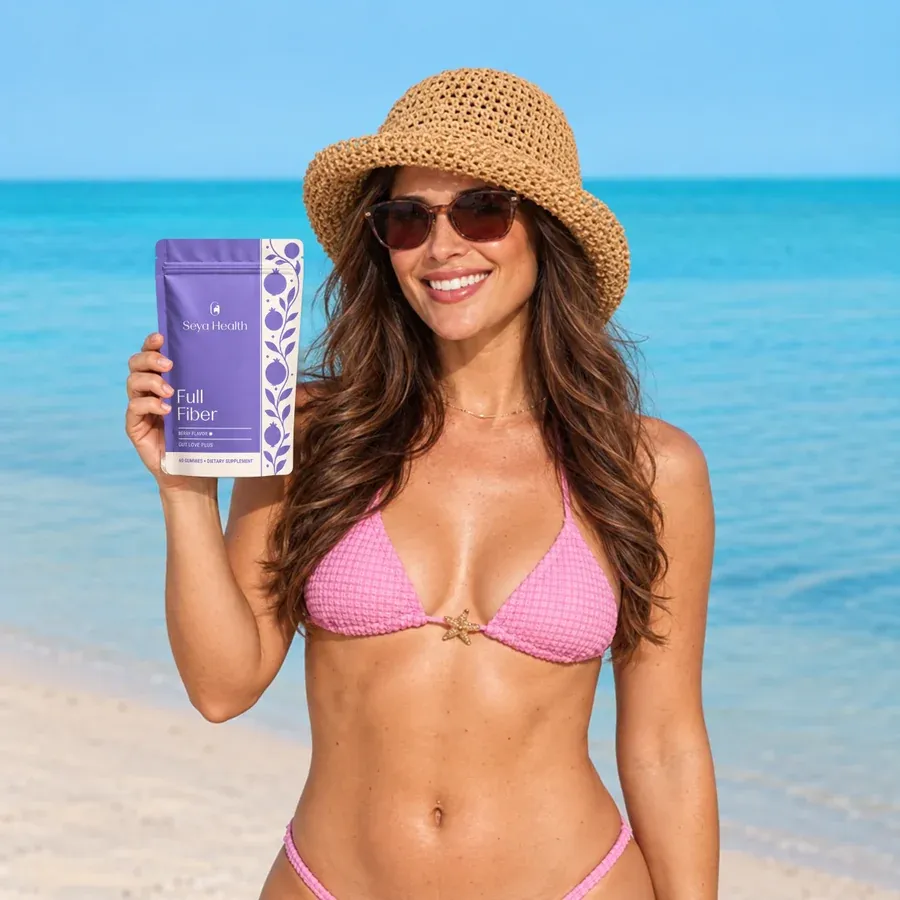
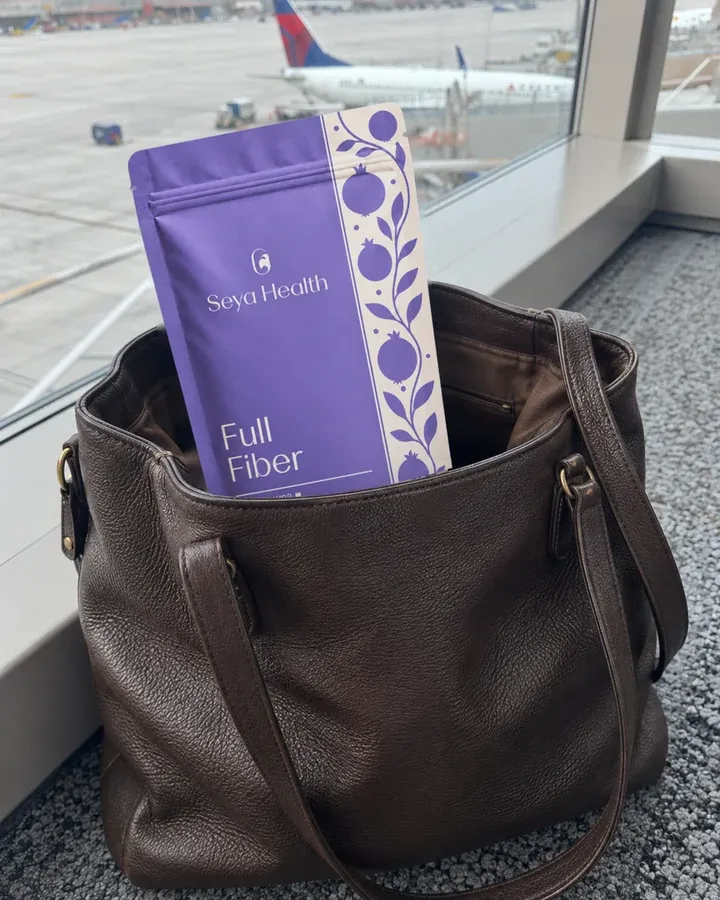
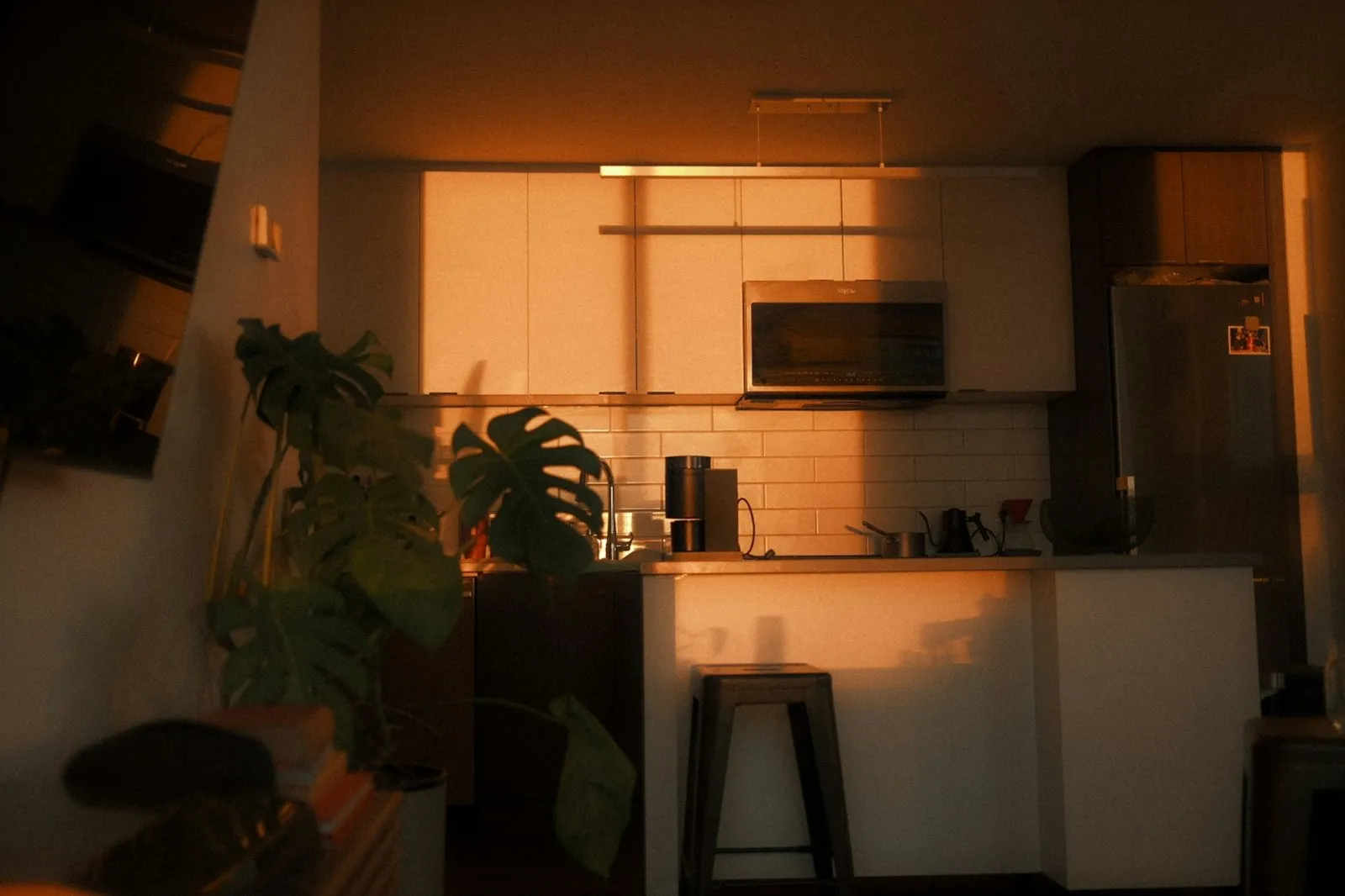
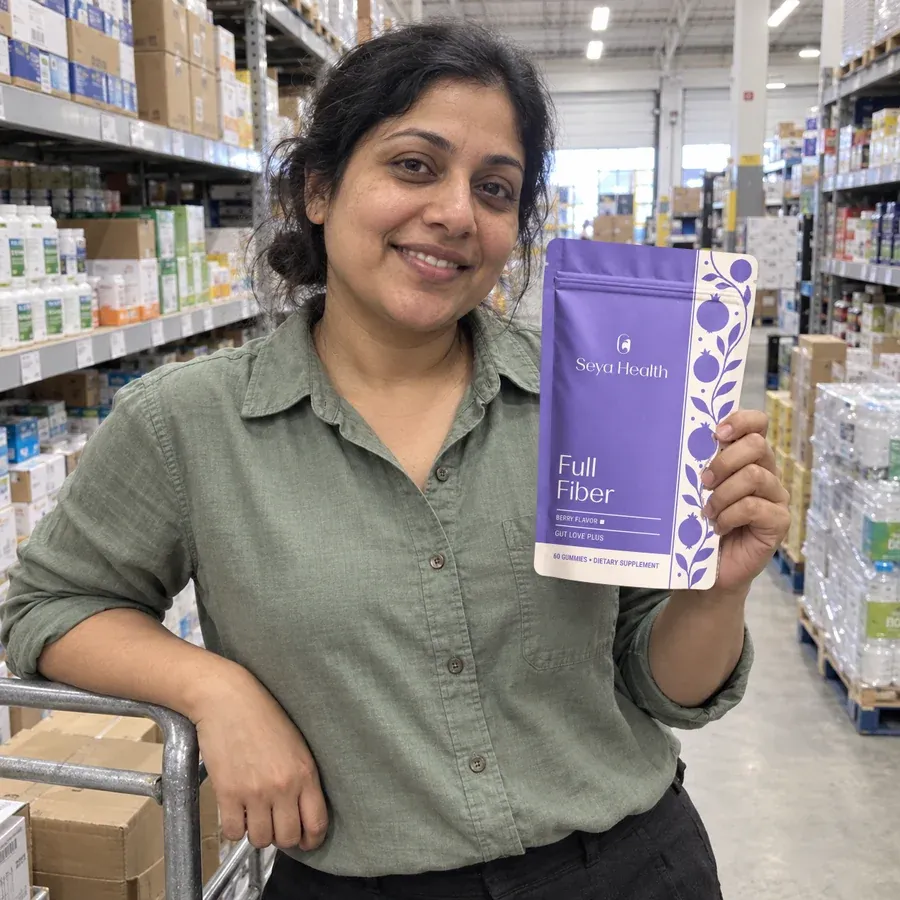
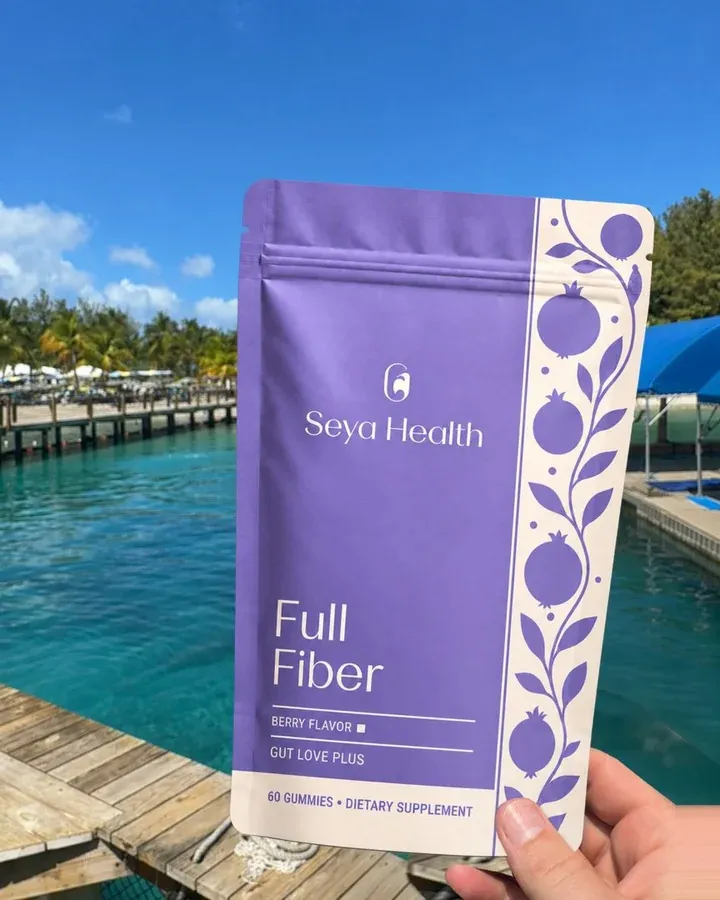
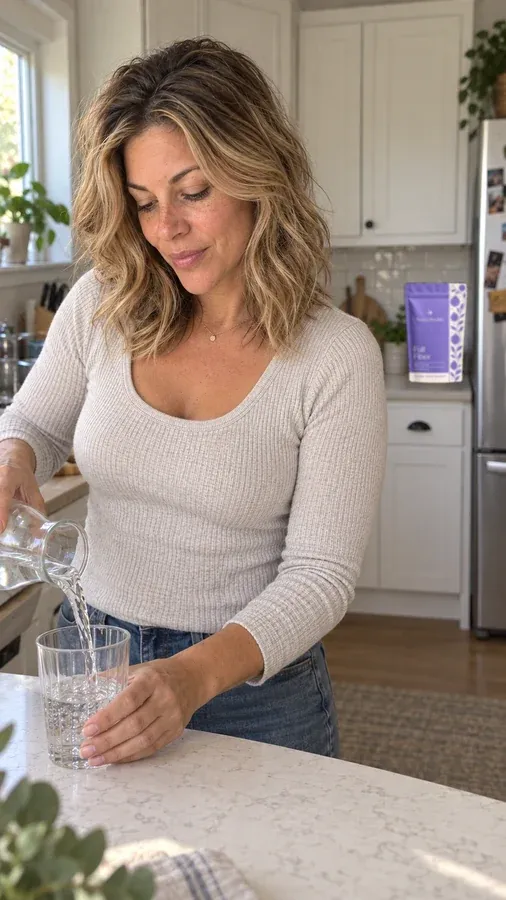
    Place your real product into new lifestyle scenes, keeping its label, color and size true to the pack.

  • AI models and spokesperson looks

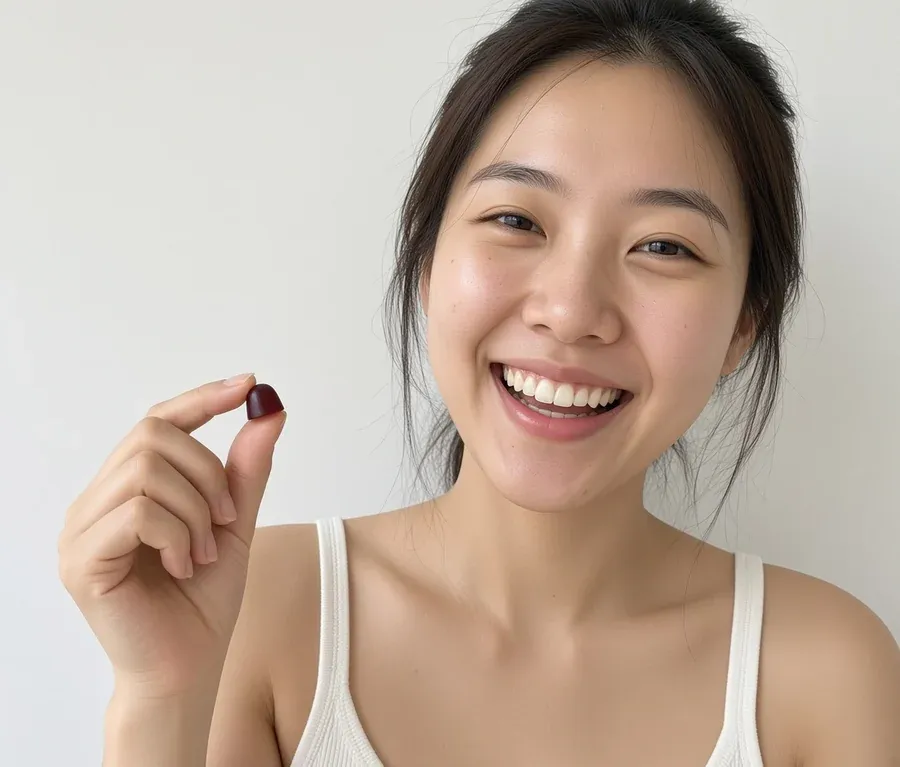
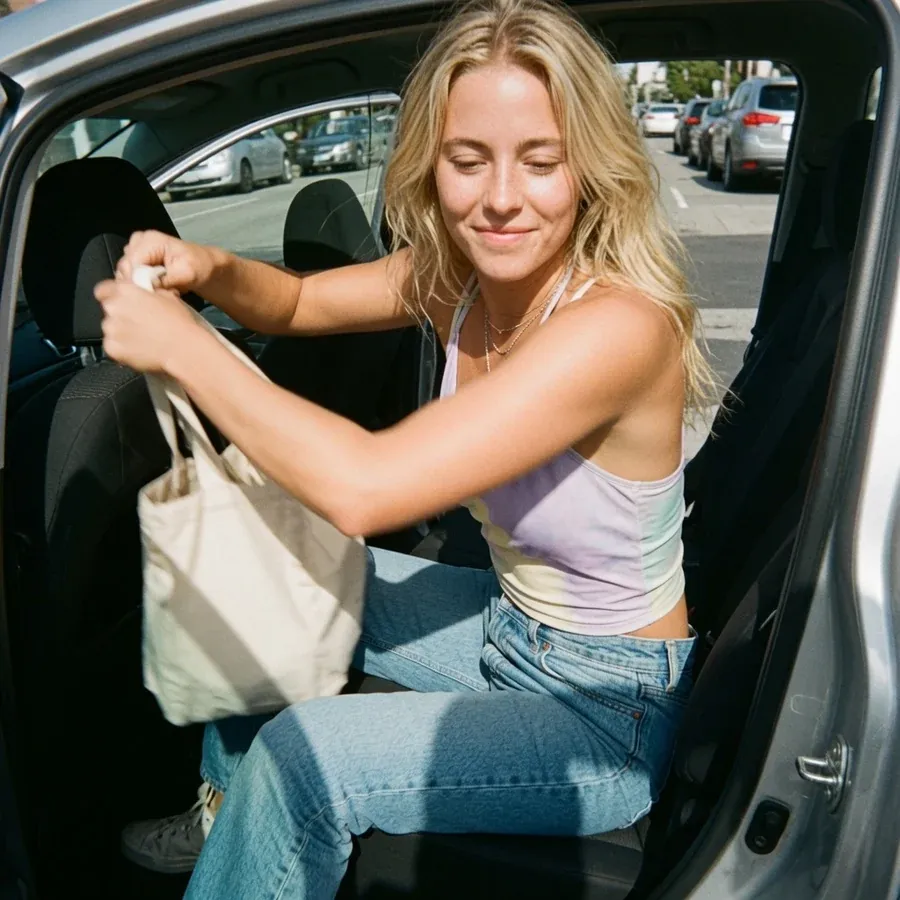
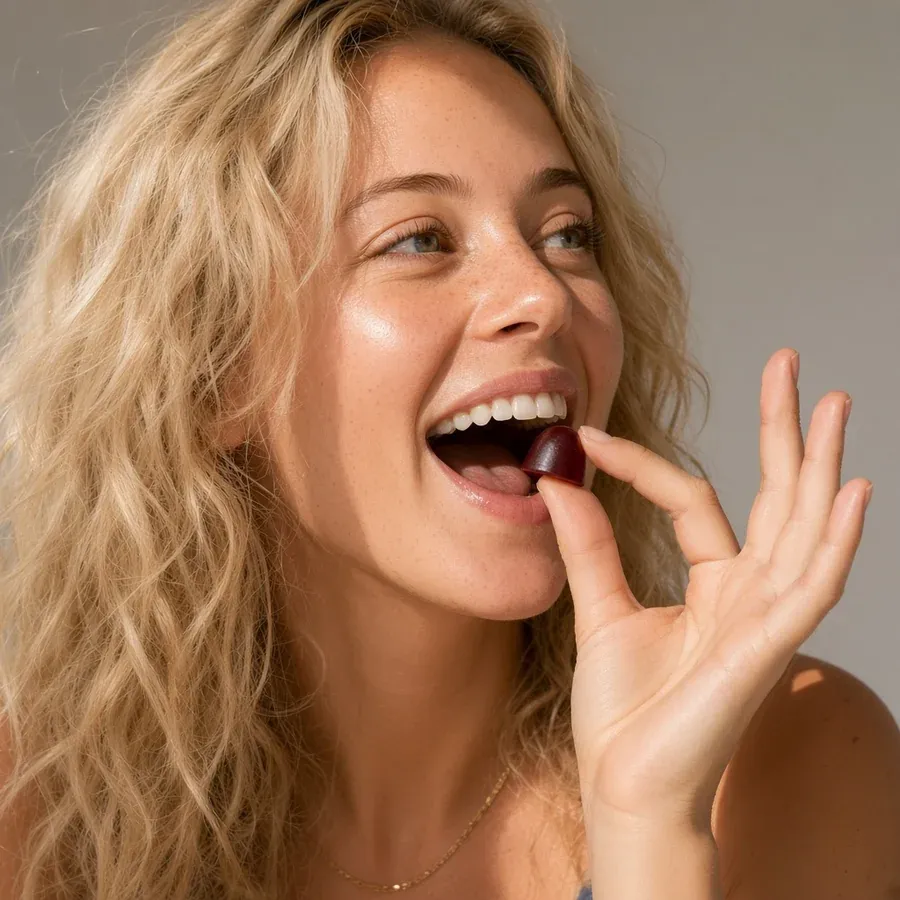
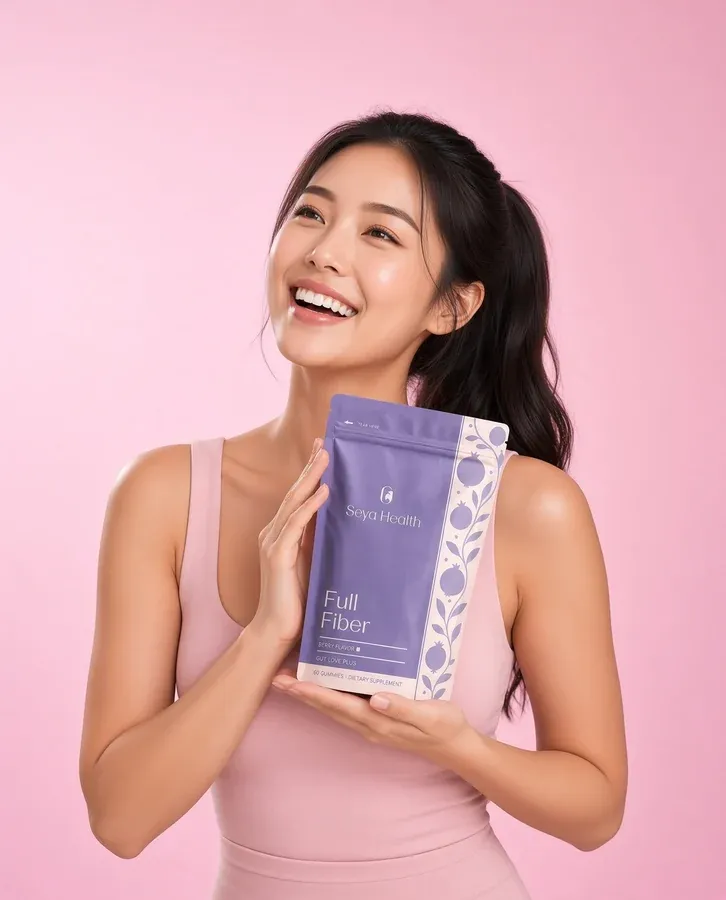
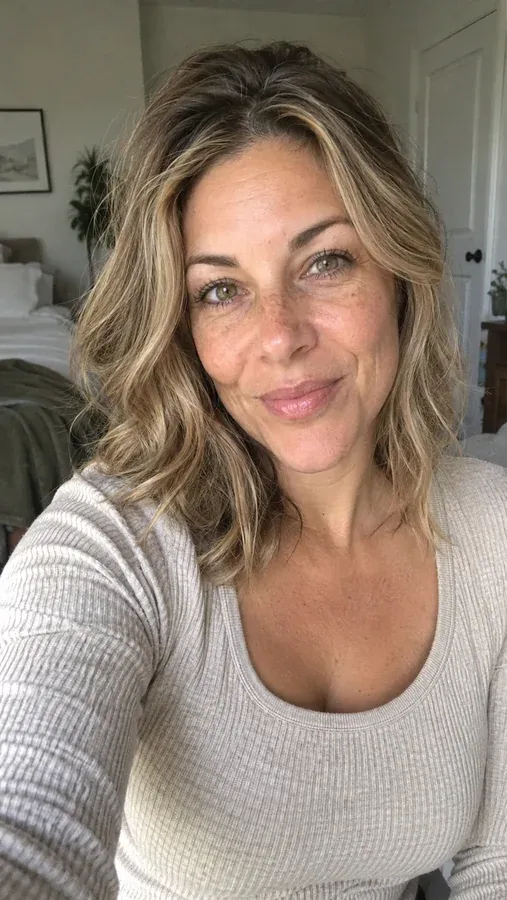
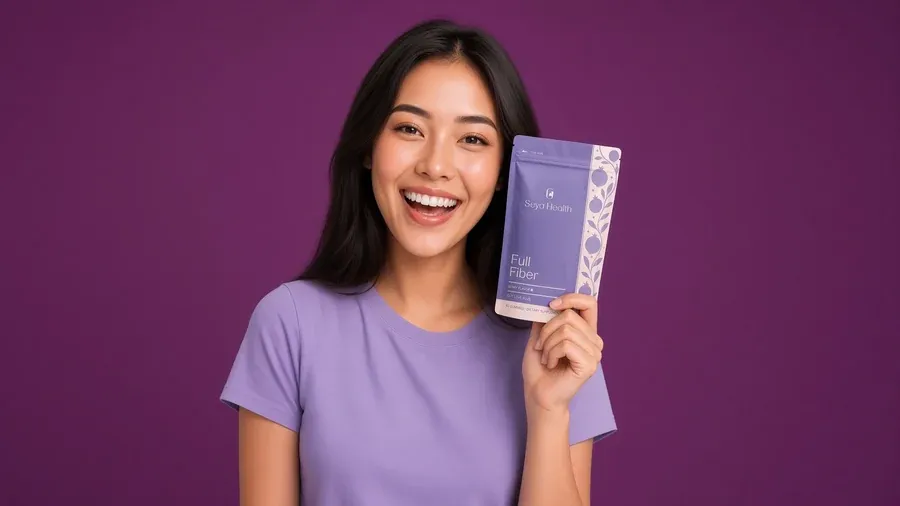
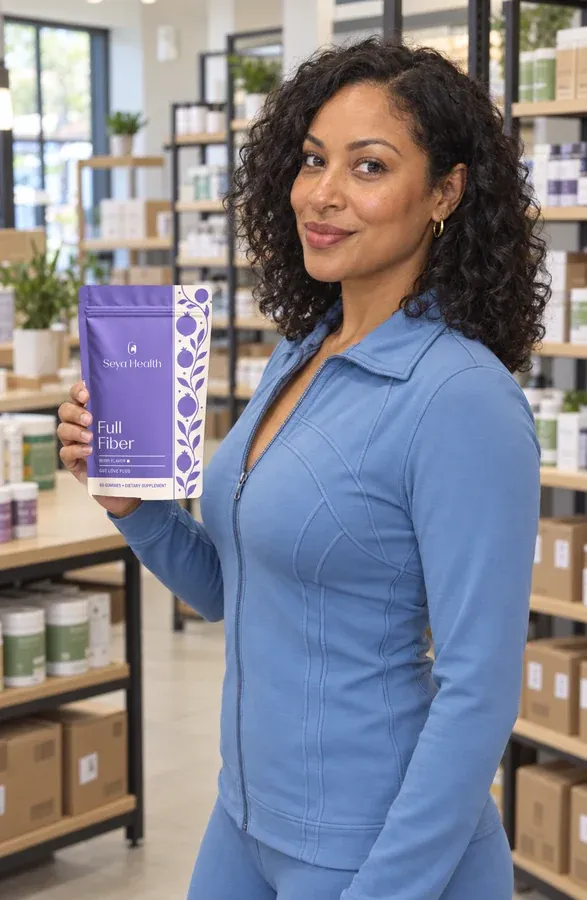
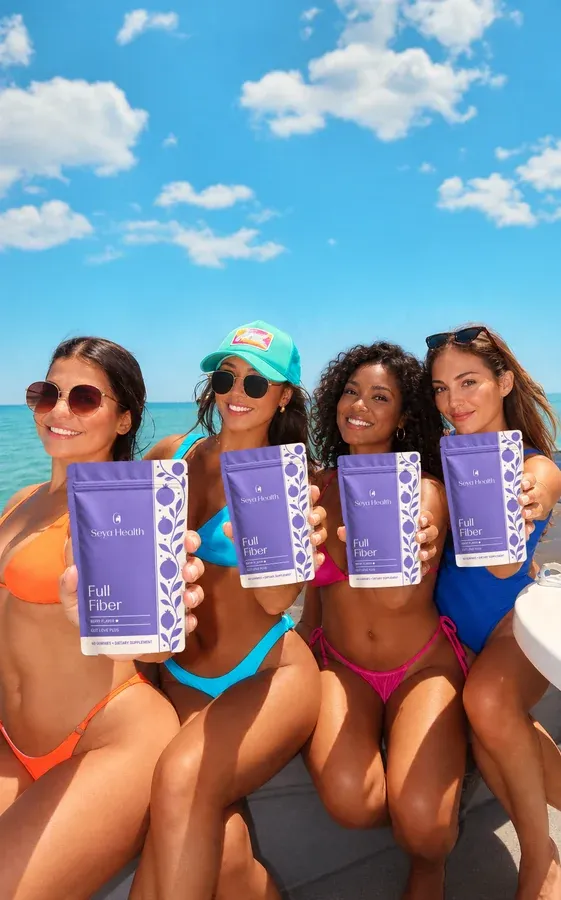
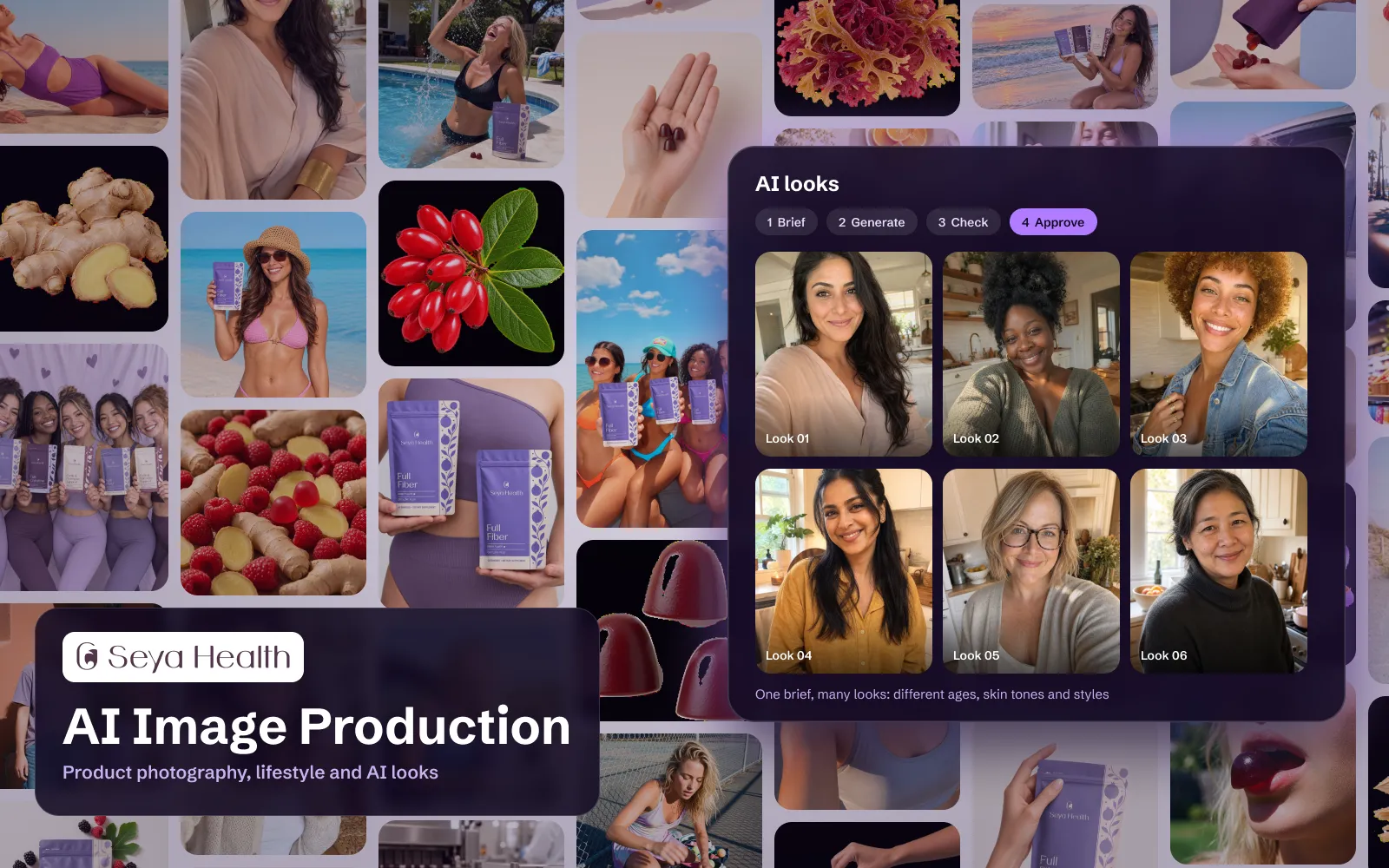
    Create a few approved faces for your brand, then reuse them across your website and marketplace listings.

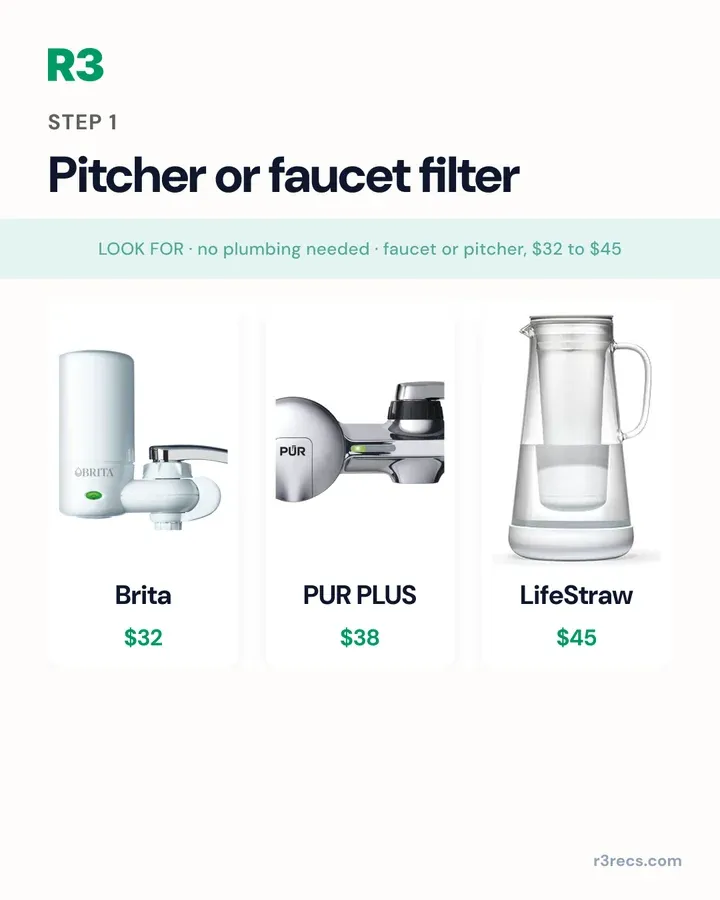
  • Data-driven graphics

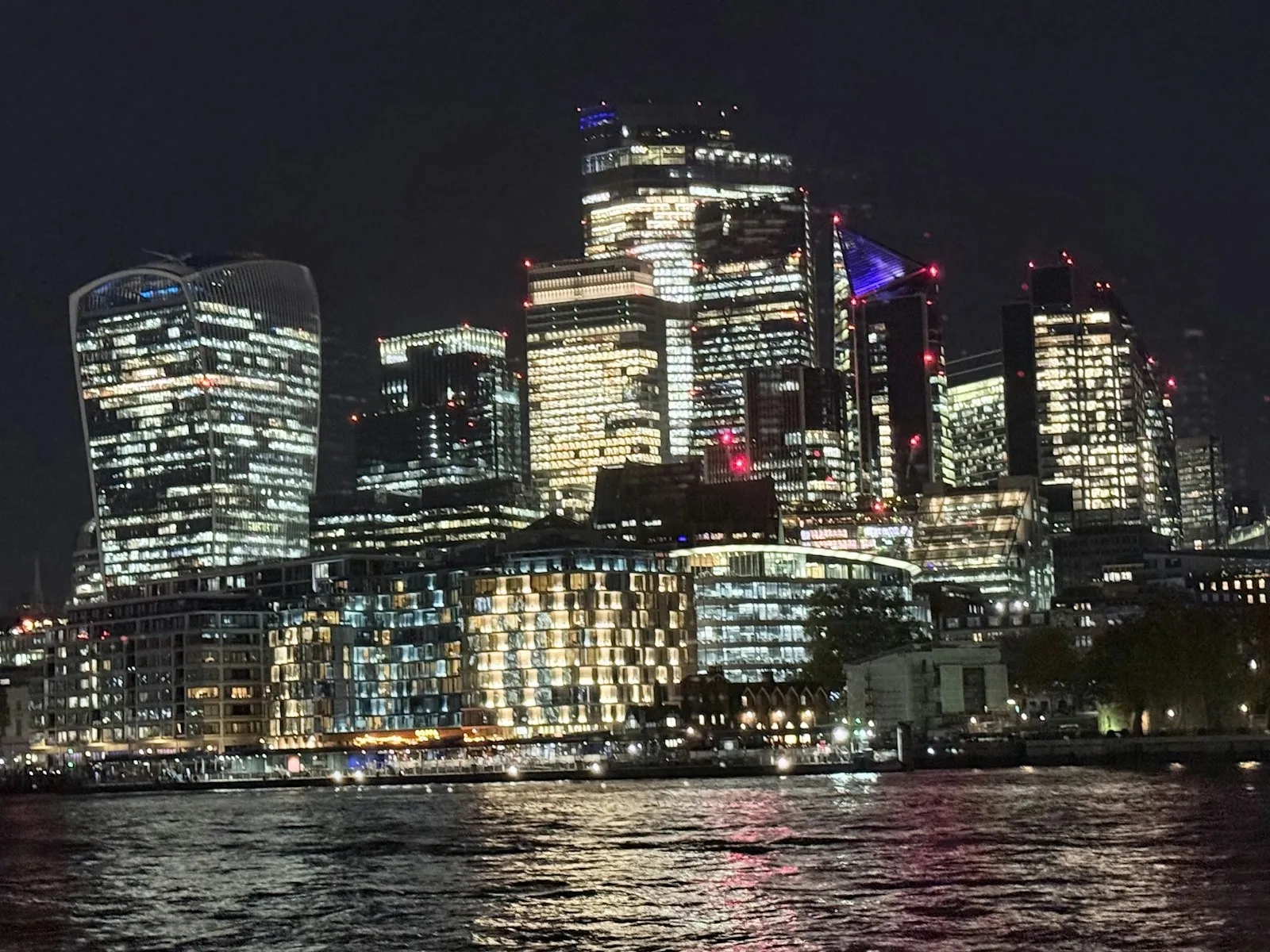
    Turn your prices, product facts or market data into finished graphics that update without a redesign.

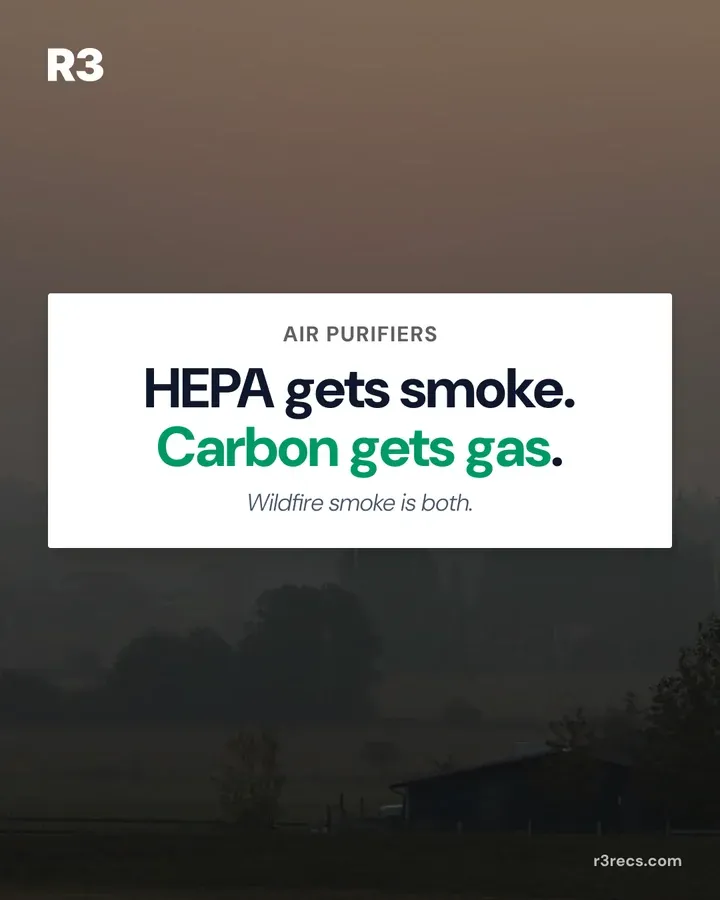
  • Ecommerce and marketplace images

    Get product page and marketplace images, icons and claim graphics that match what your label says.

How a project runs

Step 1 of 6Week 1

Agree the brief and gather your assets

We agree which images you need and where they run, and I collect what is true about your brand and product.

  • A list of the images you need, by channel and size
  • Brand guidelines, fonts and colors in one place
  • Clean product photos, kept as the only source of the product
  • The facts and claims each image is allowed to show
Step 2 of 6Week 2

Set the visual style

Before making images at volume, I set the look every image will follow.

  • Test images in two or three directions for you to choose from
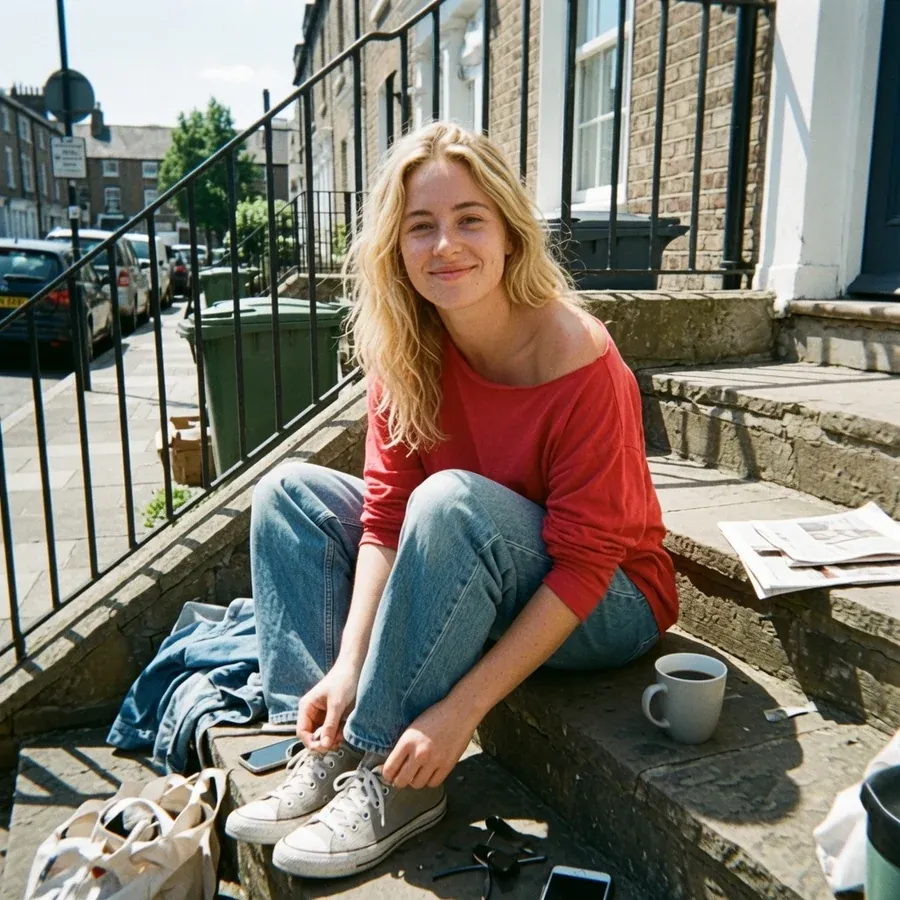
  • Approved spokesperson looks, if you want people in frame
  • Written image rules: what AI may generate and what stays a real photo

Step 3 of 6Weeks 2 and 3

Build the templates

I build the templates once, so every later image reuses the same layout and look.

  • Locked templates in your design tool for each post and ad type
  • Layouts sized for each channel, from social posts to product pages
  • A link to your data, such as prices or product facts, where images need it

Step 4 of 6From week 3

Generate the images

AI makes the scenes and fills the templates, and your real product is placed in, never redrawn.

  • Each image split into product, text, graphics and background
  • Scenes and backgrounds generated in the approved style
  • Your real product placed in at its true size
  • Batches made for every format you need

Step 5 of 6Every batch

Retouch, check and approve

I fix what AI gets wrong, automatic checks run, and a person approves every image.

  • Retouching for lighting, edges and small errors
  • Checks on the text, claims and product size in each image
  • Your approval before anything ships
  • Every note you give turned into a rule for the next batch

Step 6 of 6When you are ready

Deliver and hand over

You get finished files for every channel, and the system to keep making more.

  • Final images exported for each channel and size
  • Templates and image rules in your own design workspace
  • A short guide for the people who request and approve images
  • Support afterwards, if you want it

My tool stack

The tools I use for AI image production work, across the projects above.

Image models

  • FLUX
  • Grok
  • Google Gemini
  • ComfyUI
  • Runpod

Templates and layout

  • Figma
  • Canva

Review and publishing

  • Slack
  • Buffer
  • Publer

Common questions

The questions I hear most before a project starts.

Will AI change how my product looks?

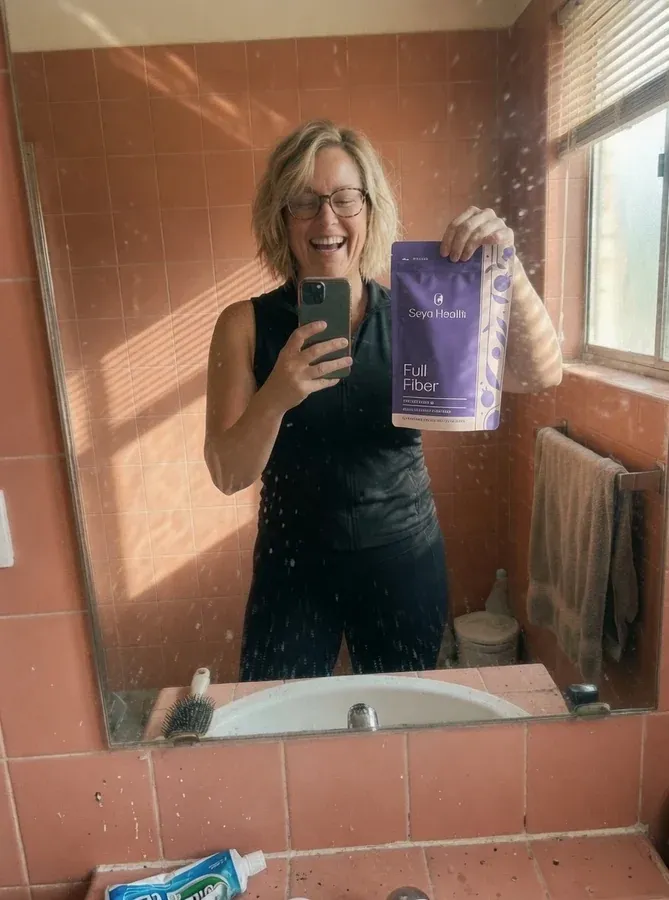
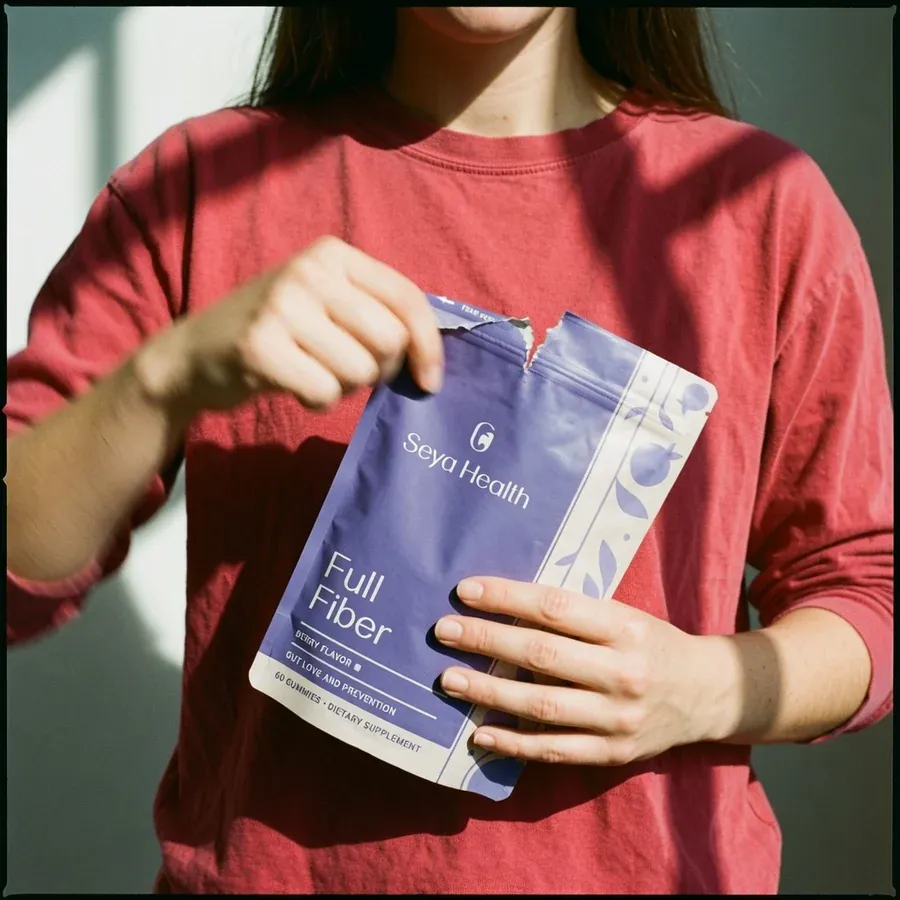
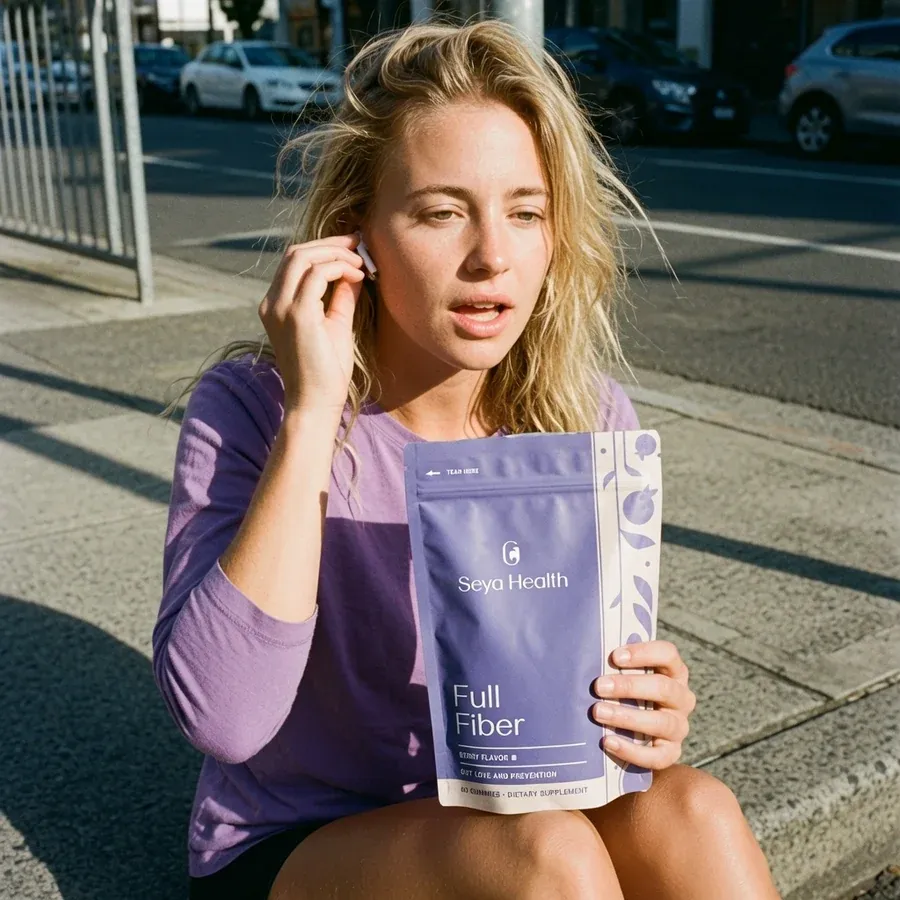
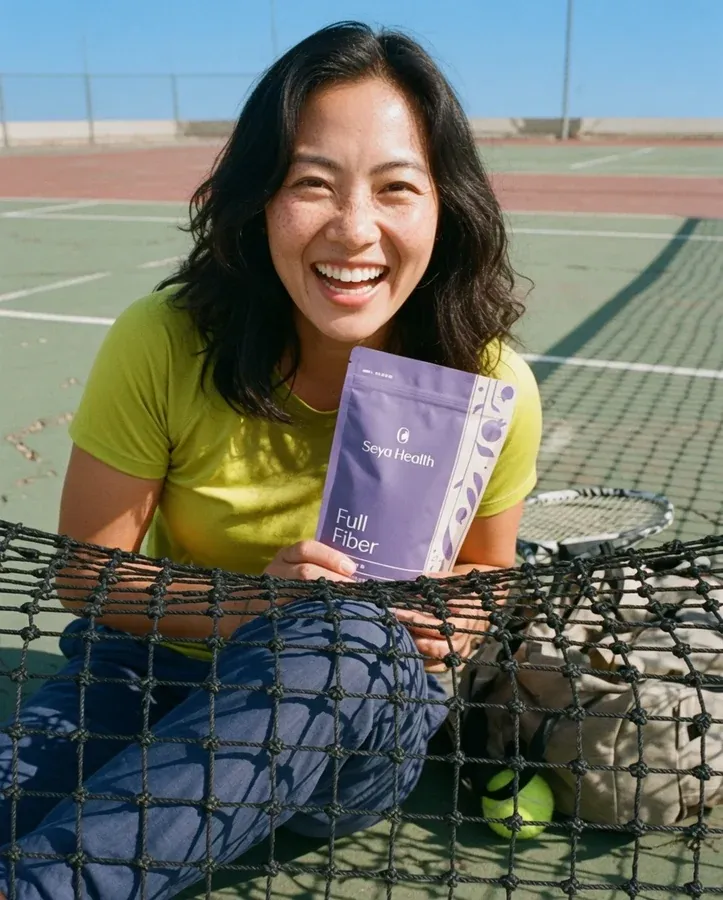
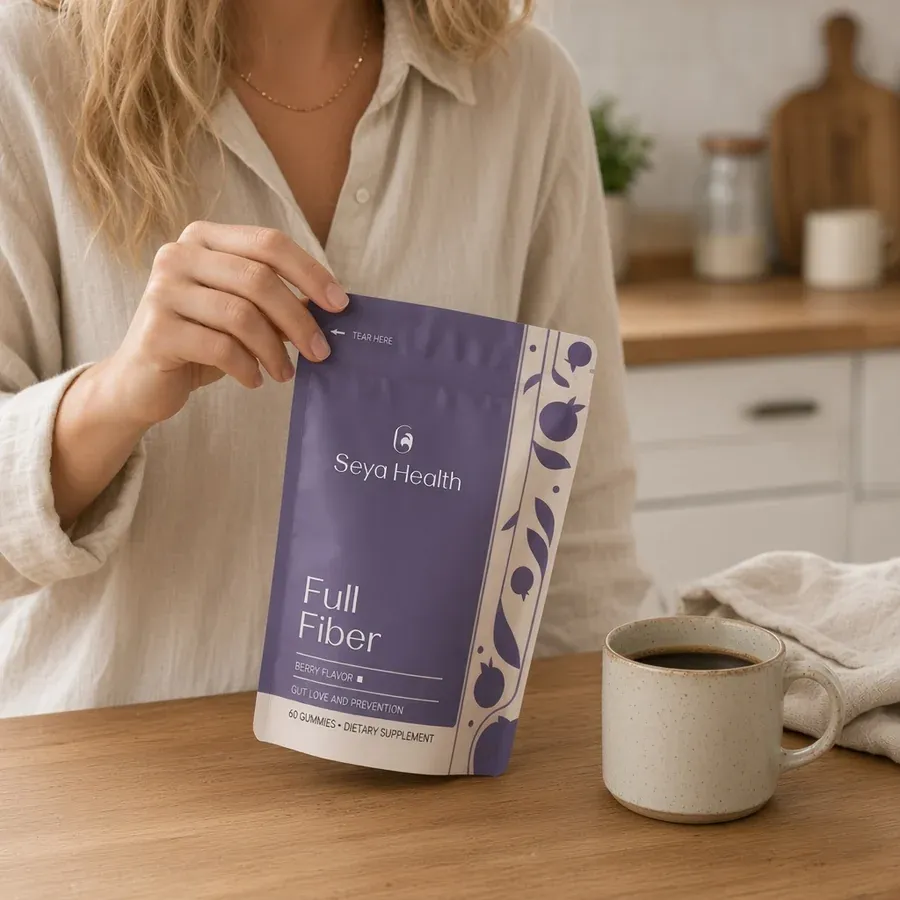
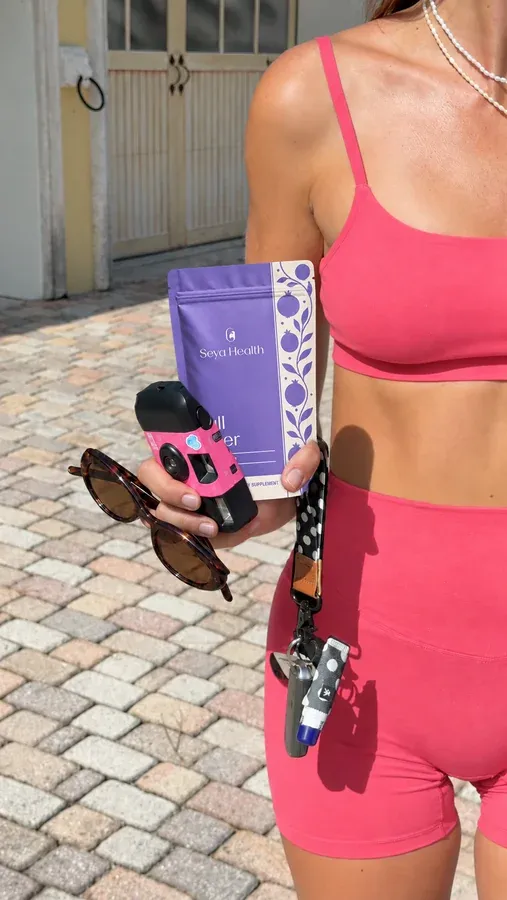
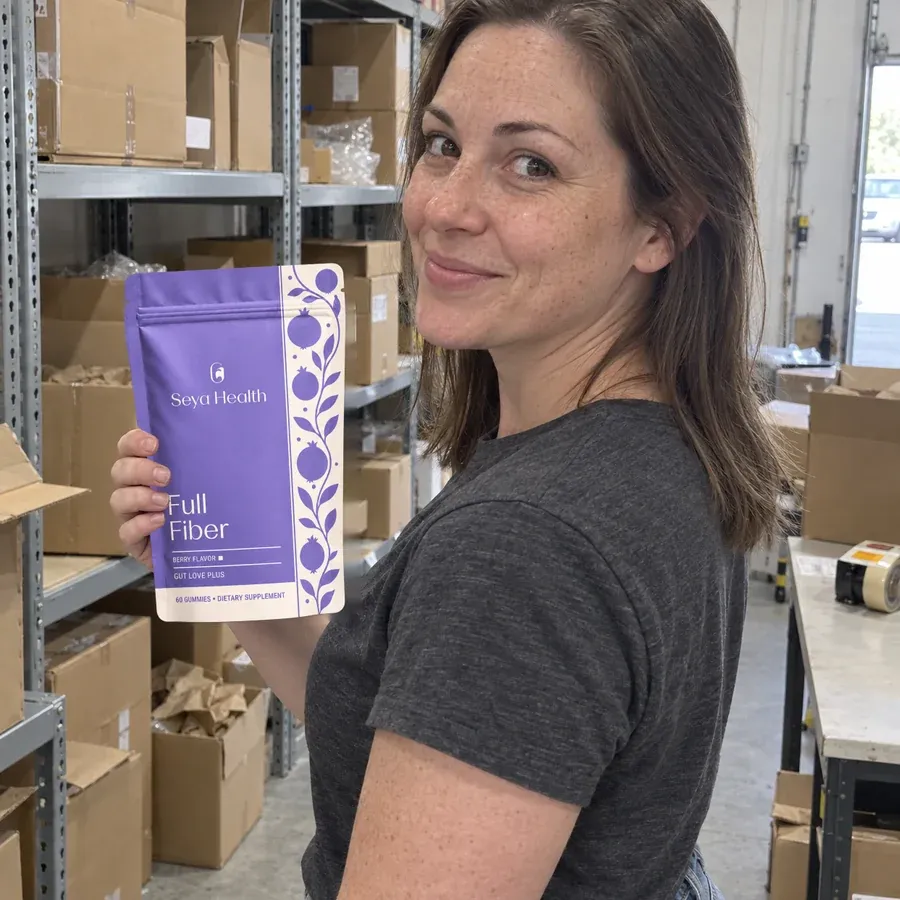
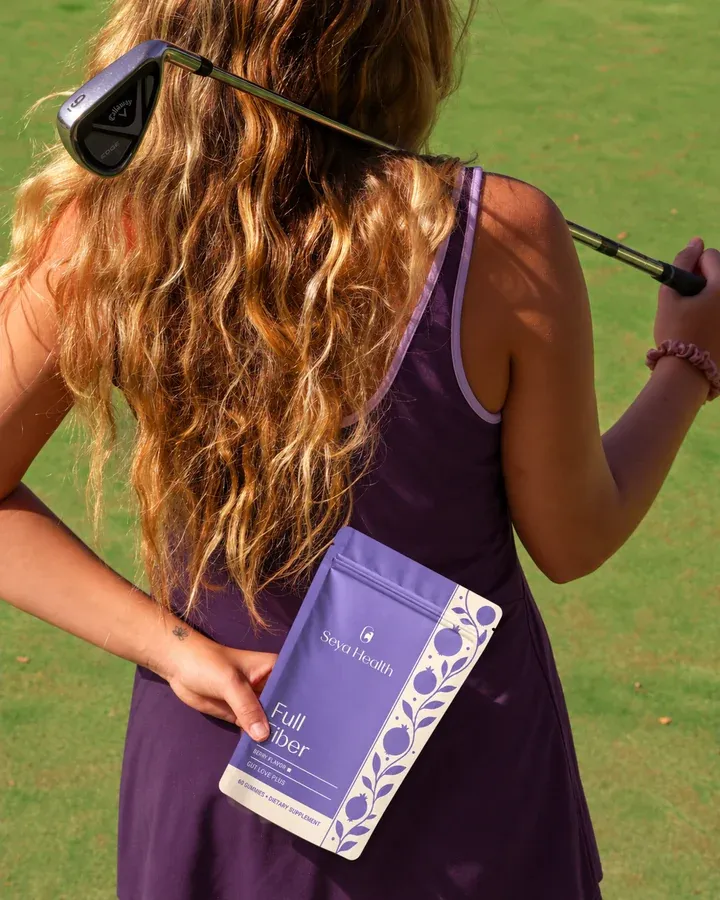
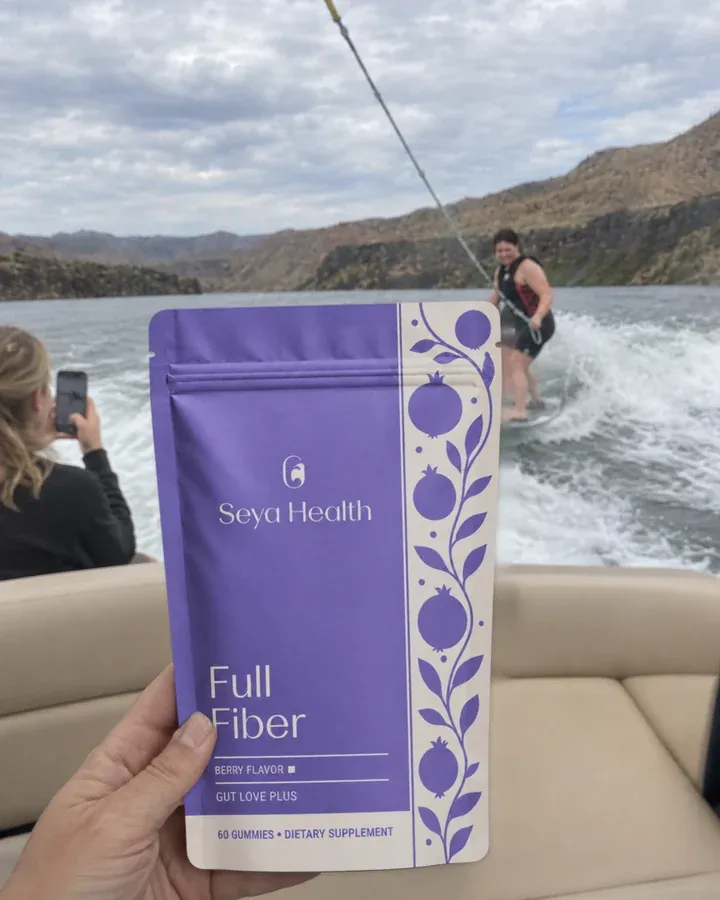
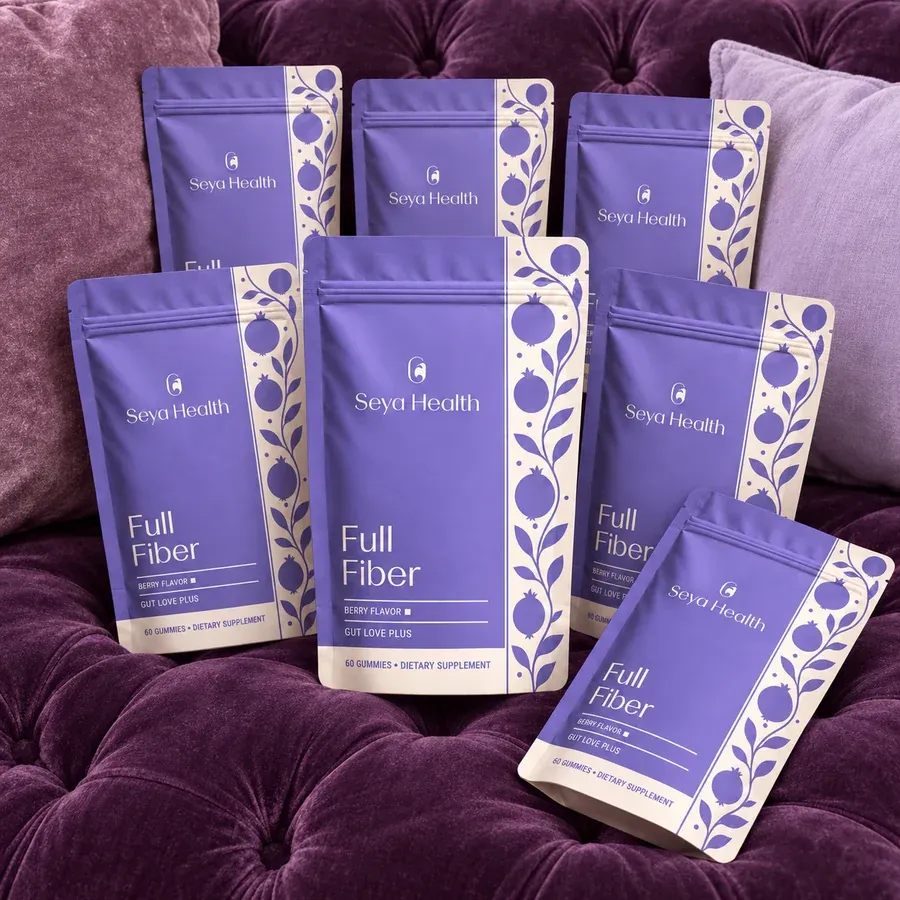
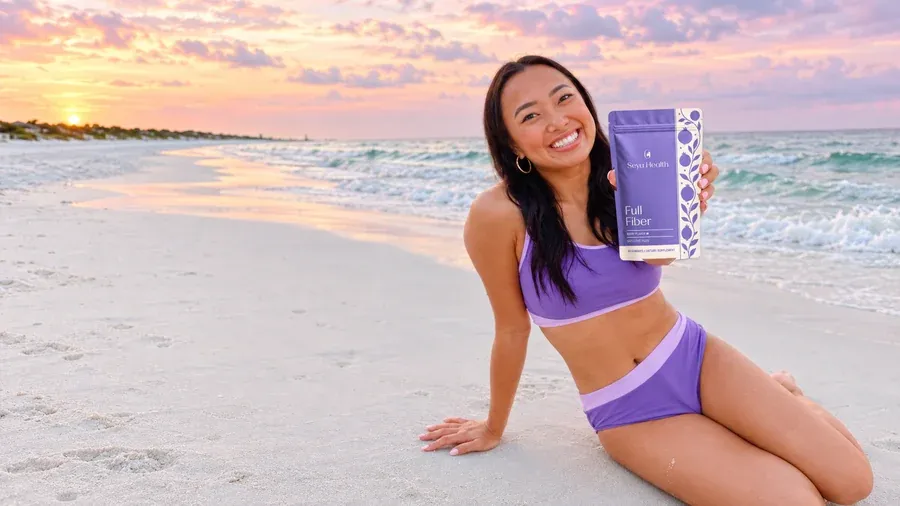
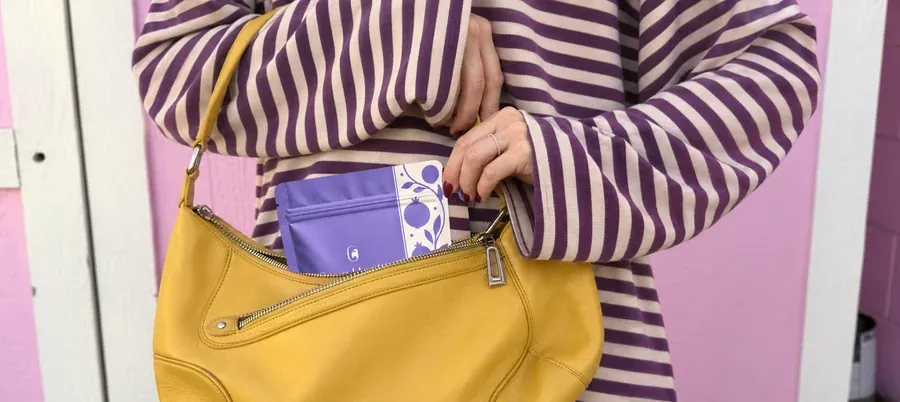
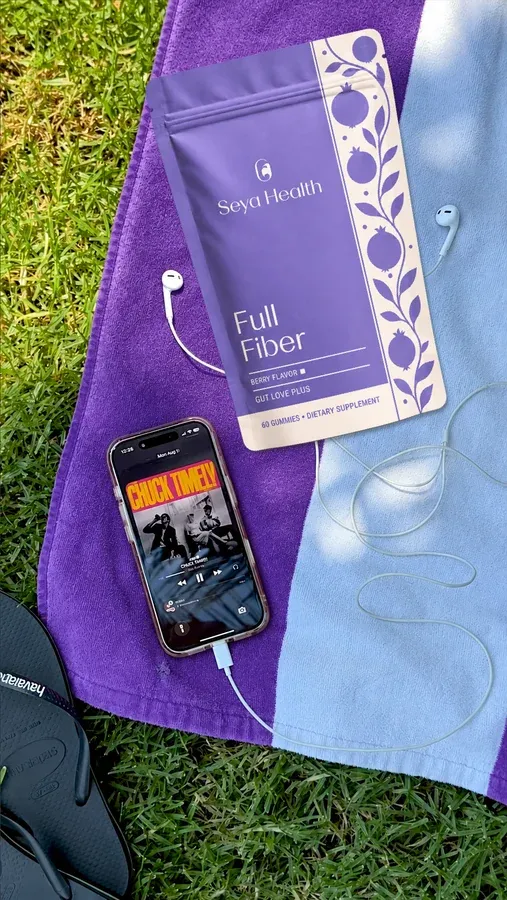
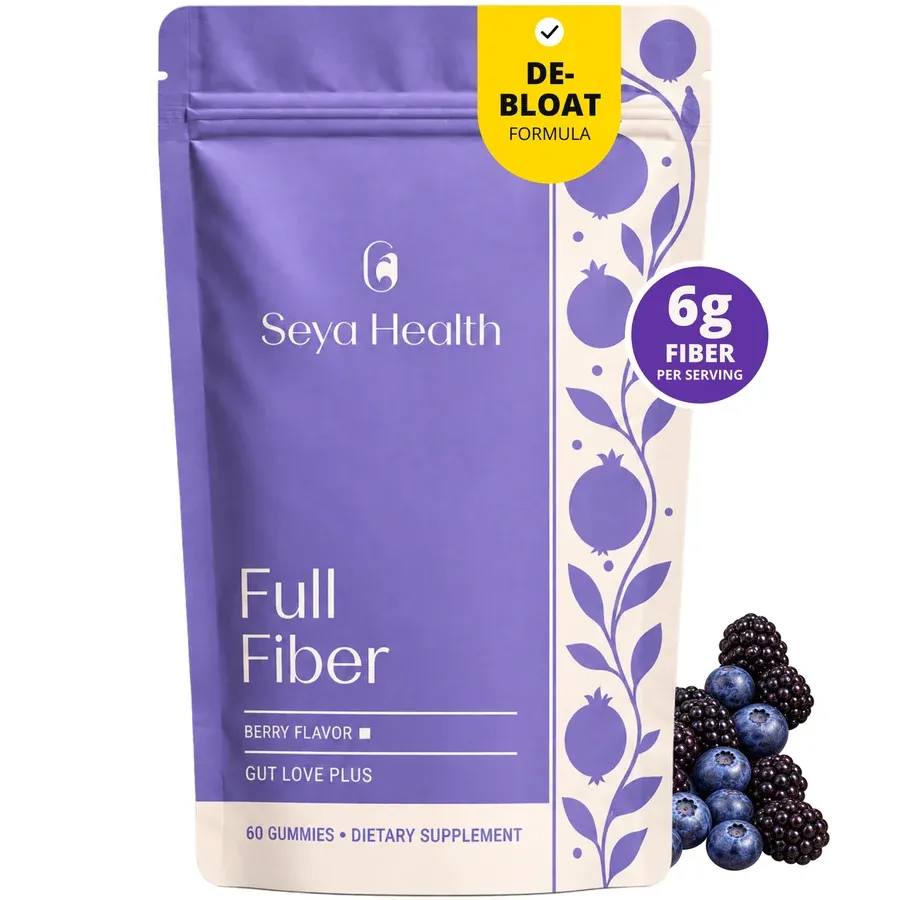
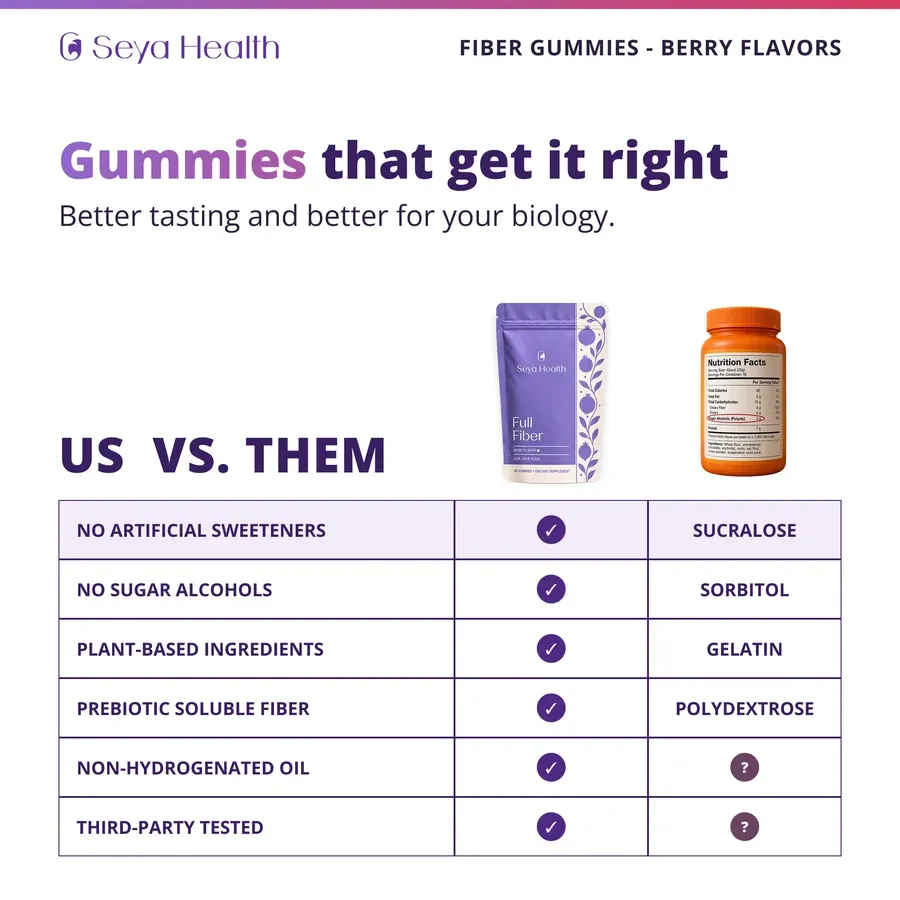
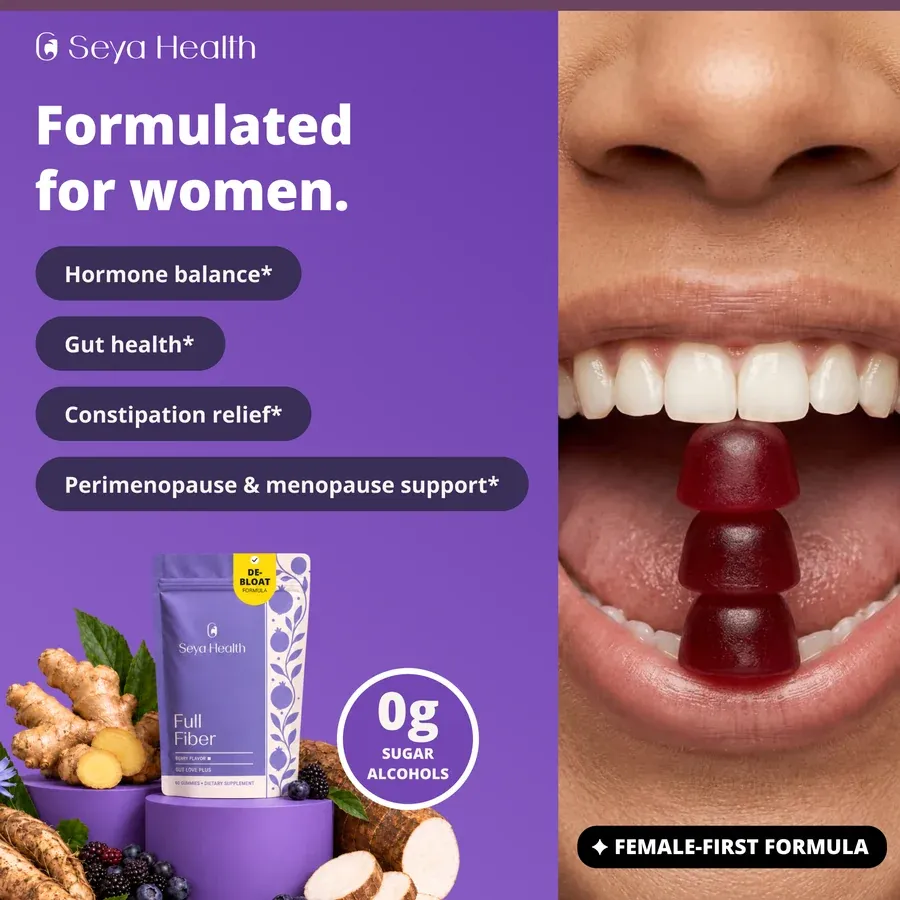
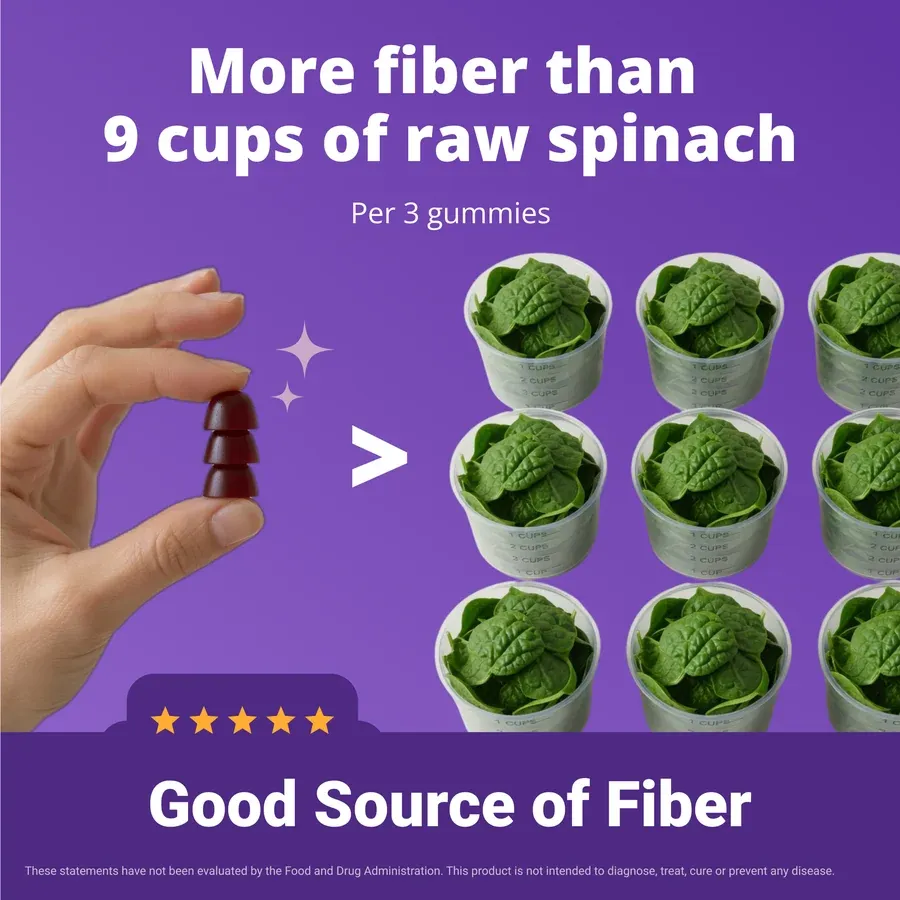
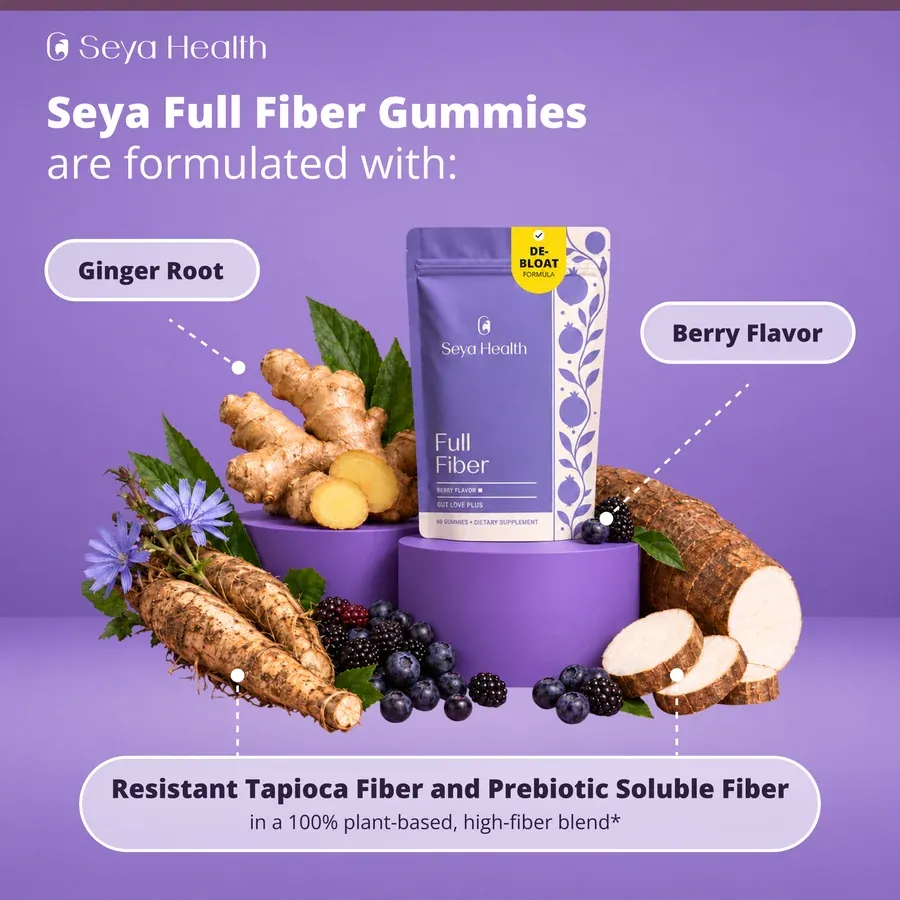
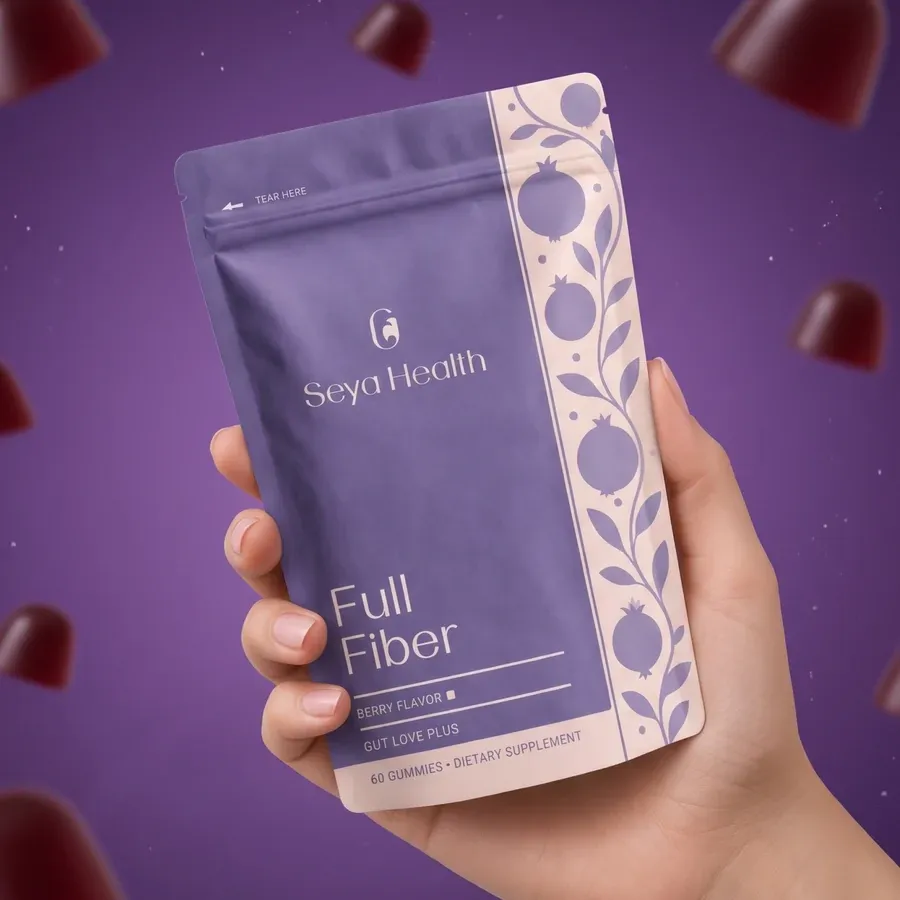
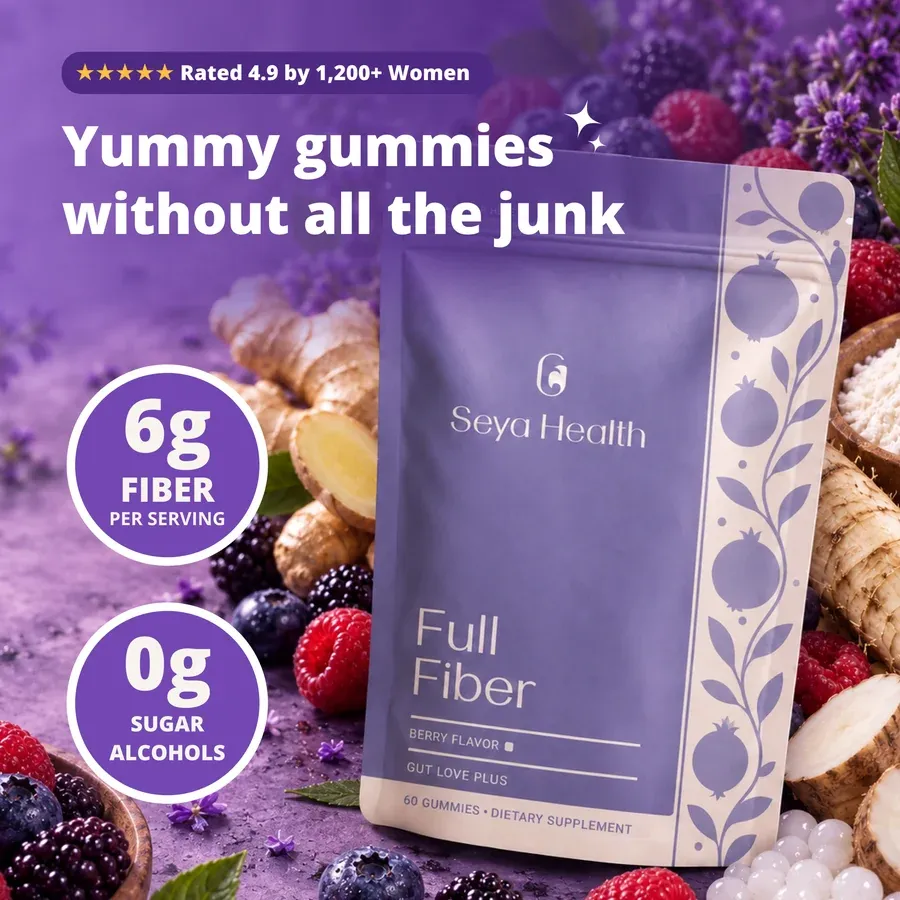
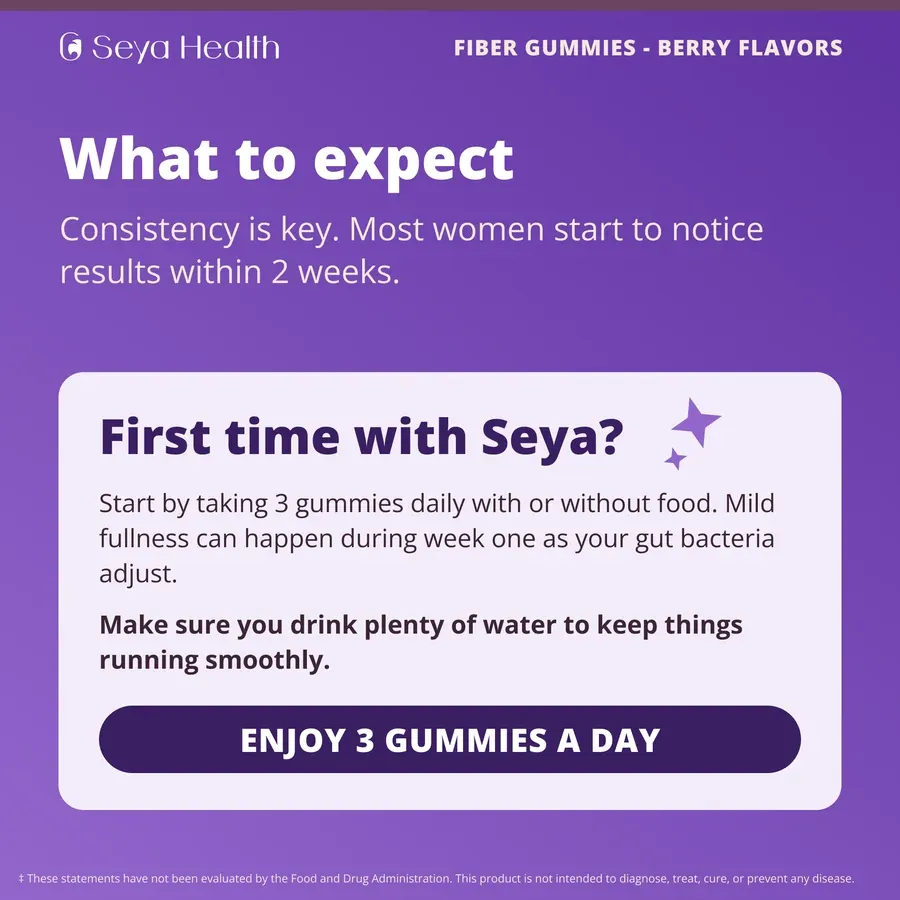
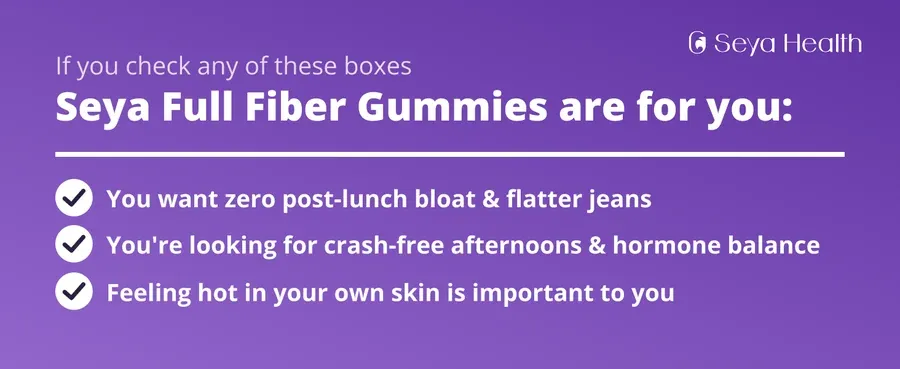
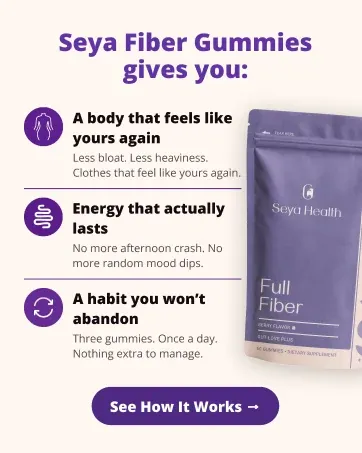
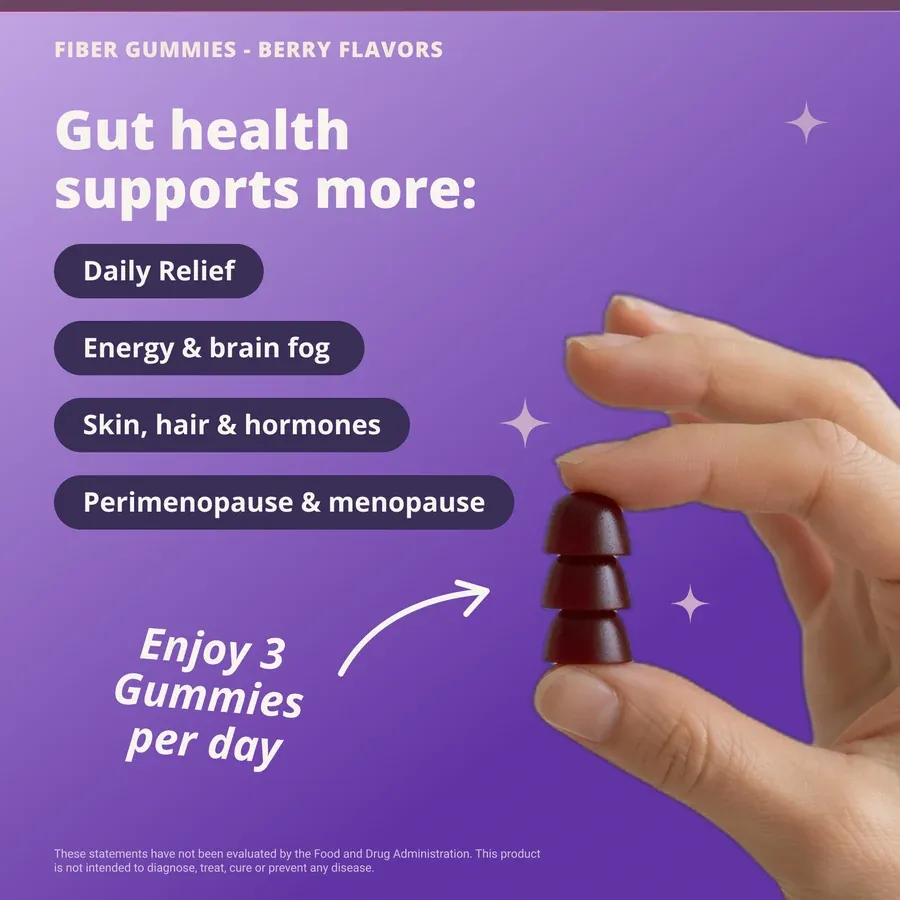
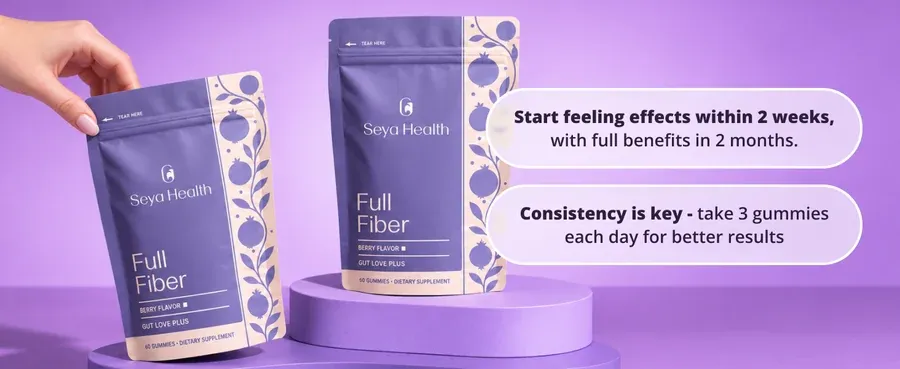
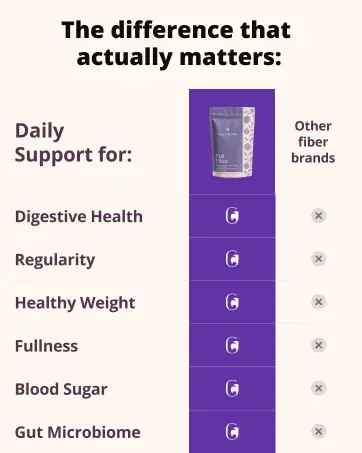
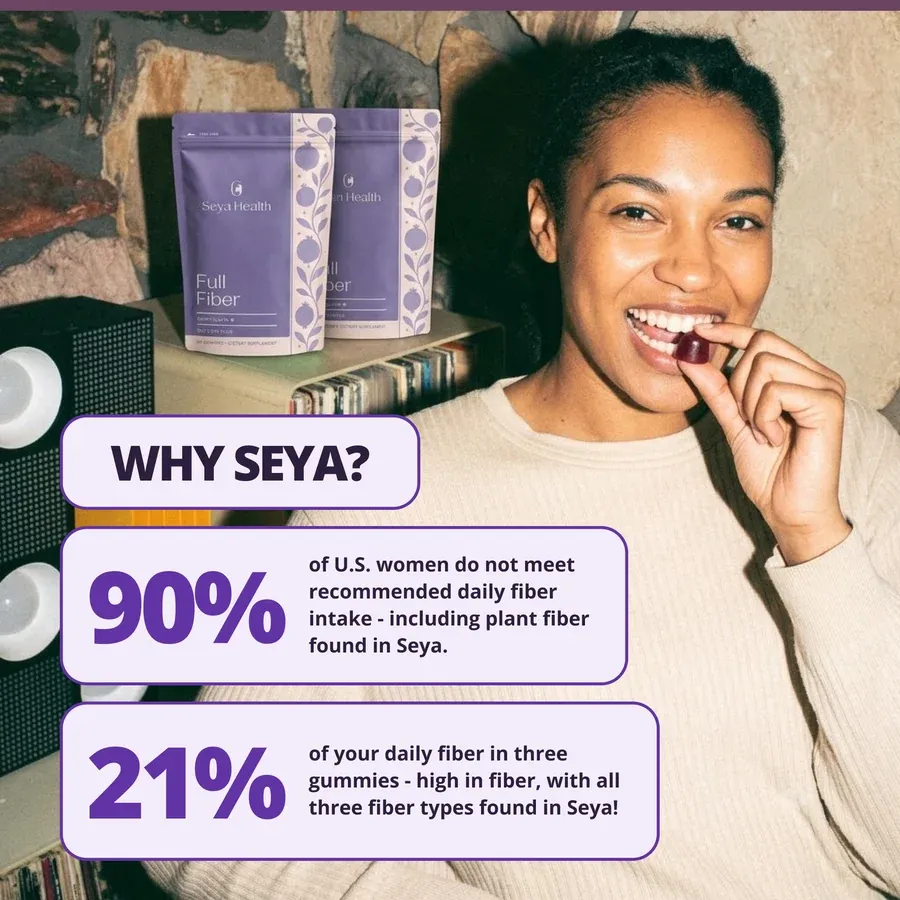
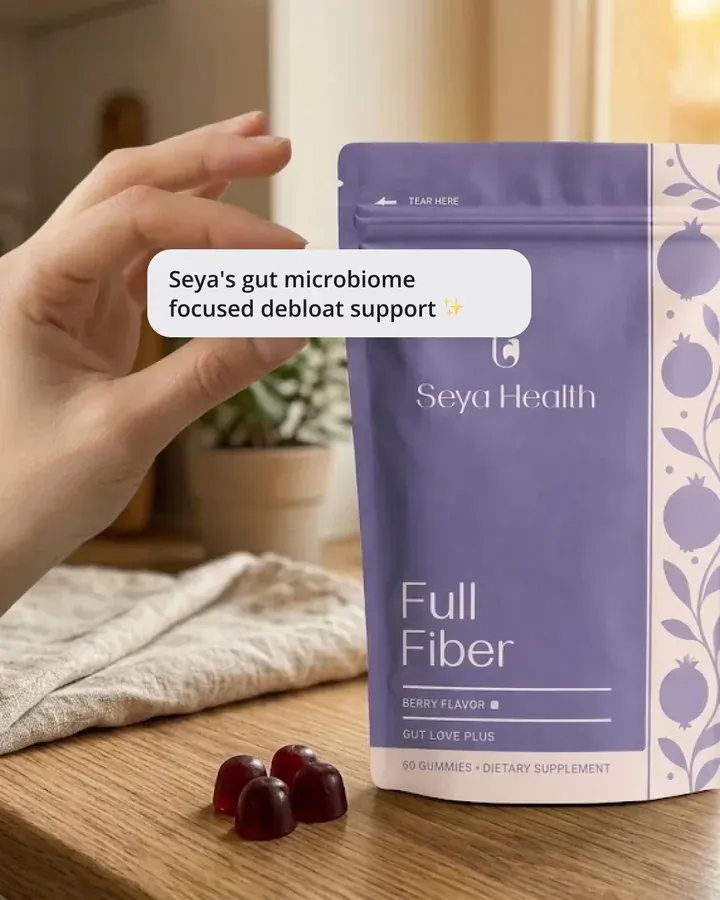
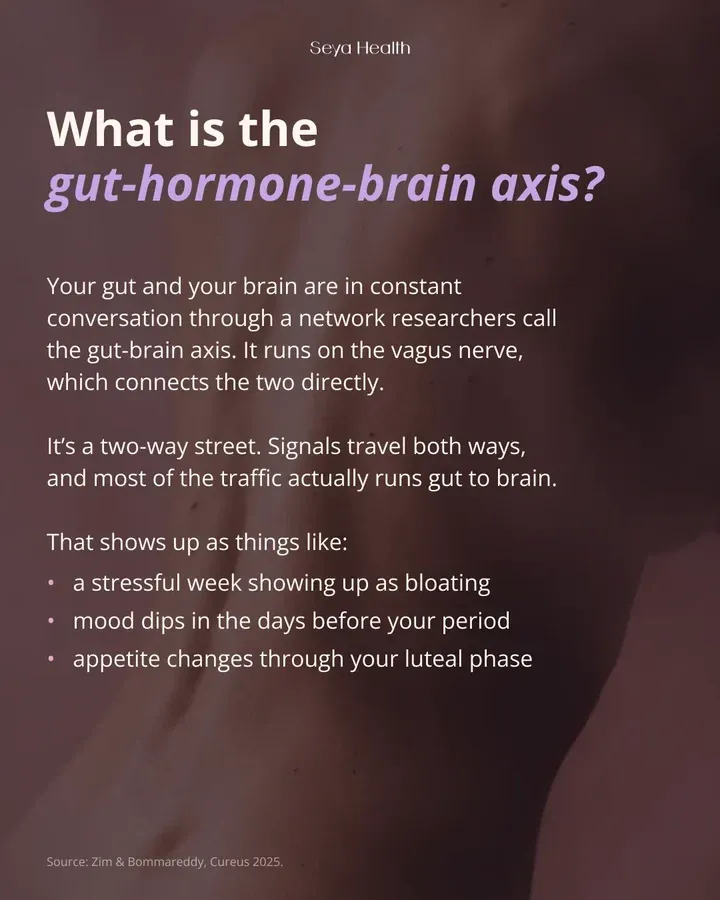
Not if the system is set up right. AI makes the scene, and your real product photo is placed into it, so the label, color and size stay true. For Seya I wrote rules for when to generate and when to place the real product, and supplement facts and claims are never generated.

Can AI images be copyrighted?

Partly. In the US, parts made only from a prompt cannot be copyrighted, while human-made parts such as your templates, layouts and product photos can. I keep each image split into product, text and generated scene, so it is clear which parts AI made.

Do AI images need a label?

Sometimes. Meta shows an AI info label on some ads, the EU requires labels on realistic AI images of people from August 2026, and Vietnam's AI law requires them for images that imitate real people or events. We agree the rule for each channel and market before launch.

How do you keep the images on brand?

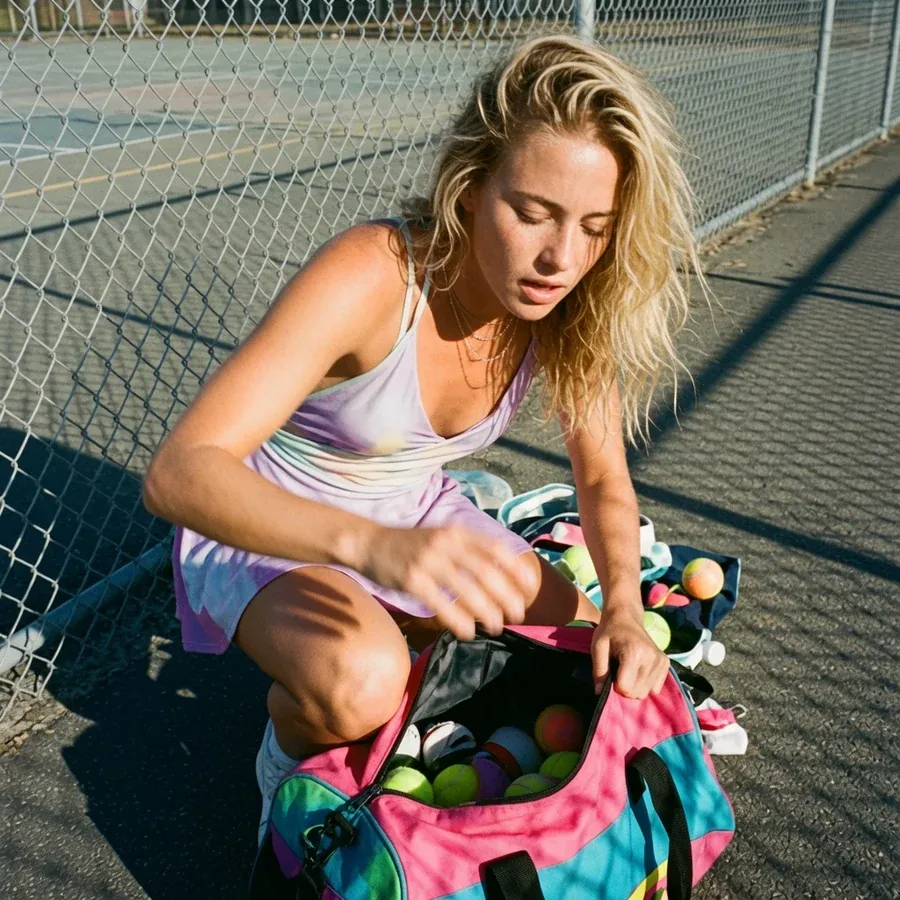
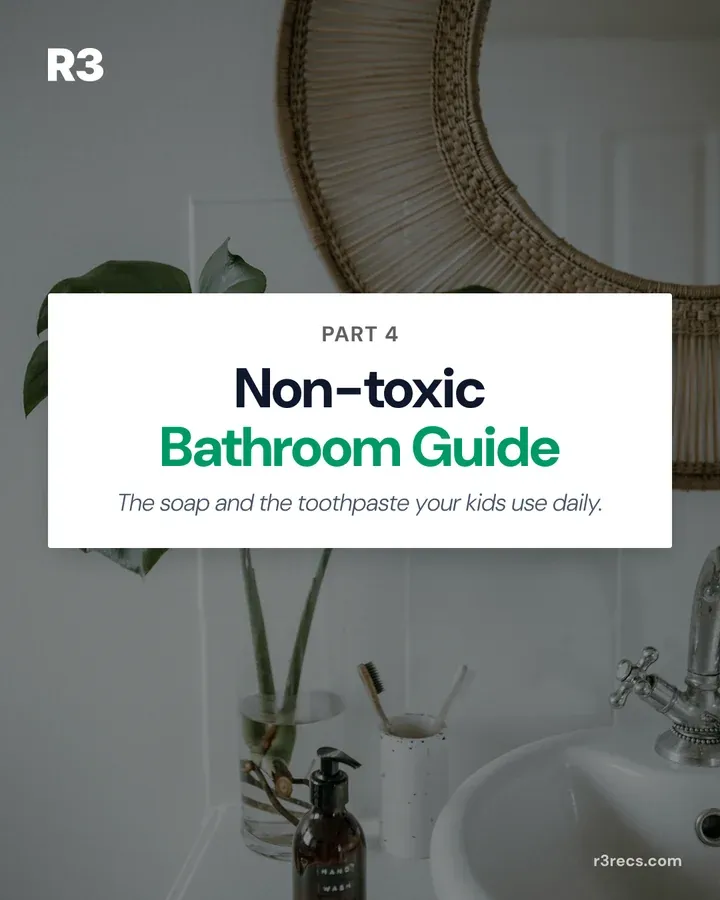
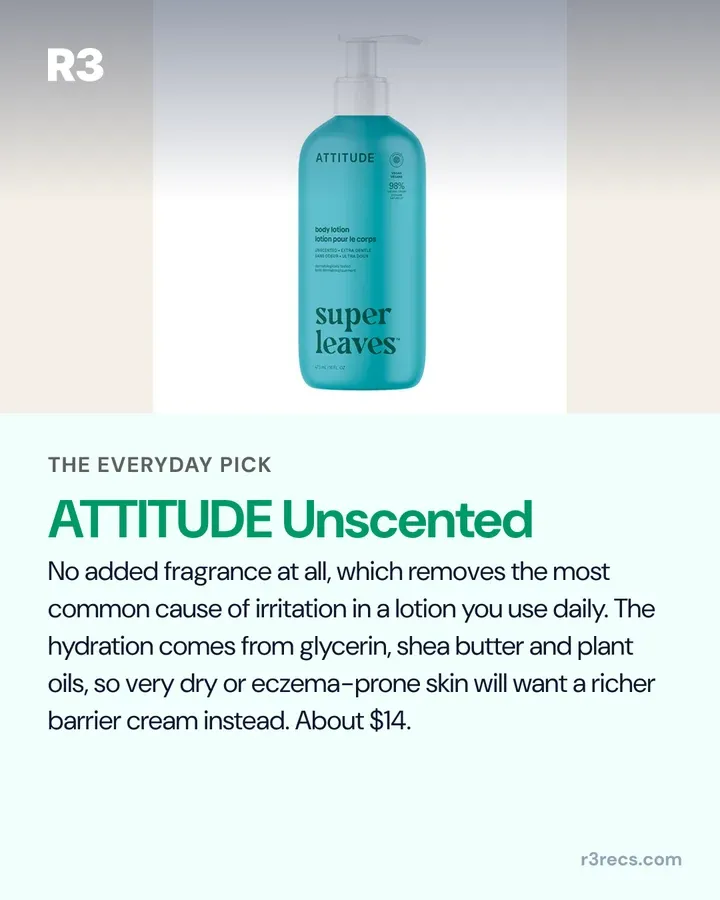
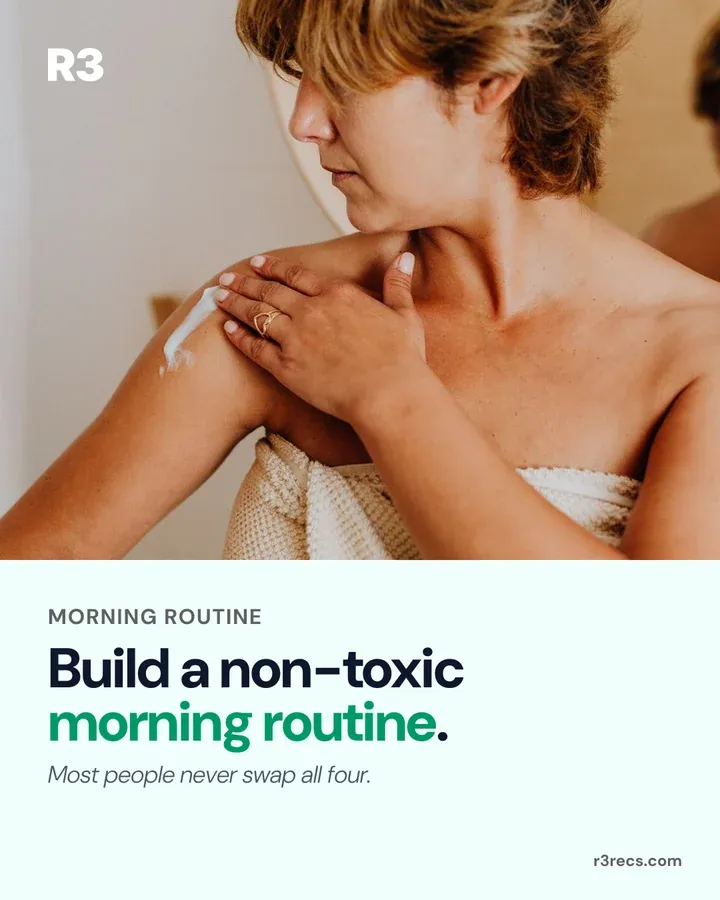
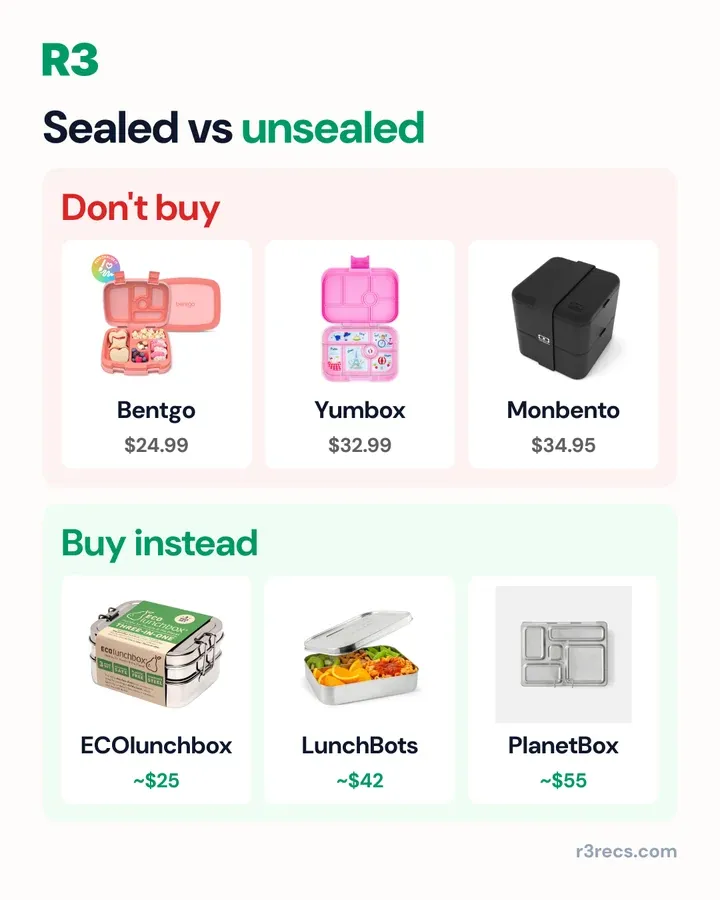
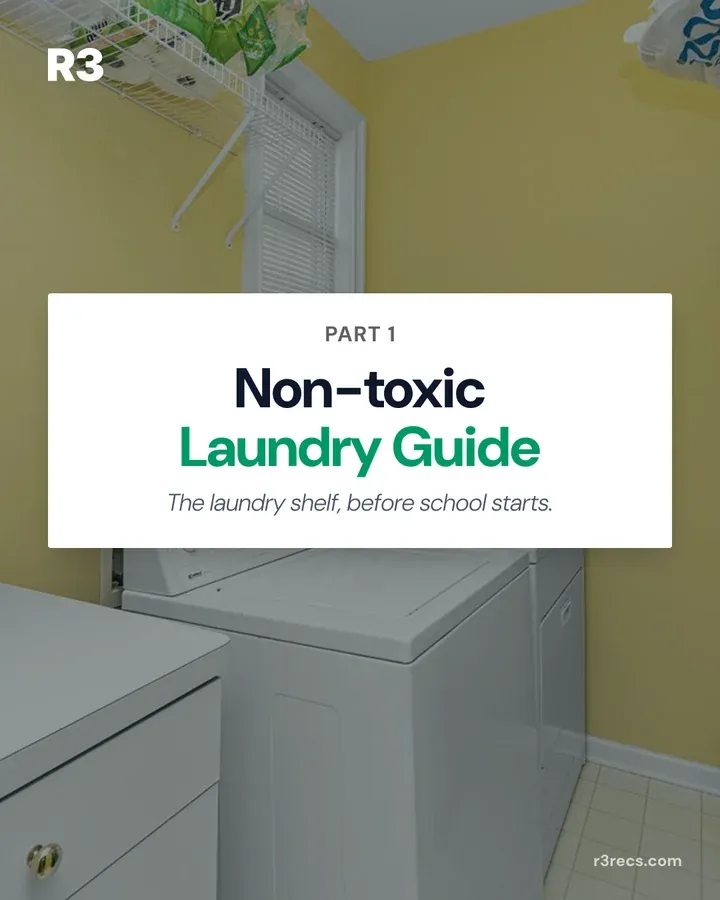
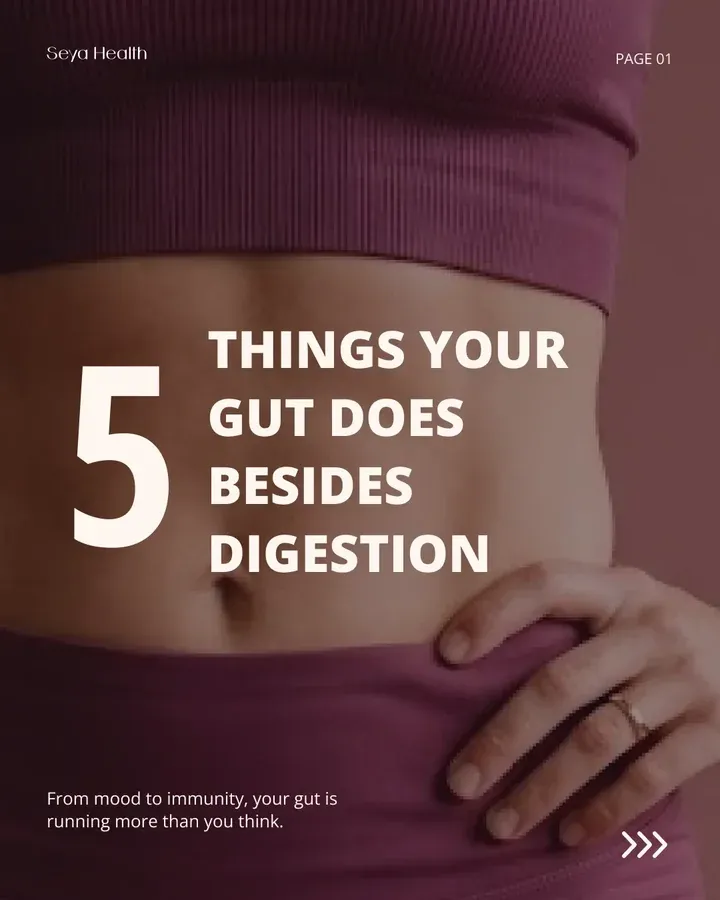
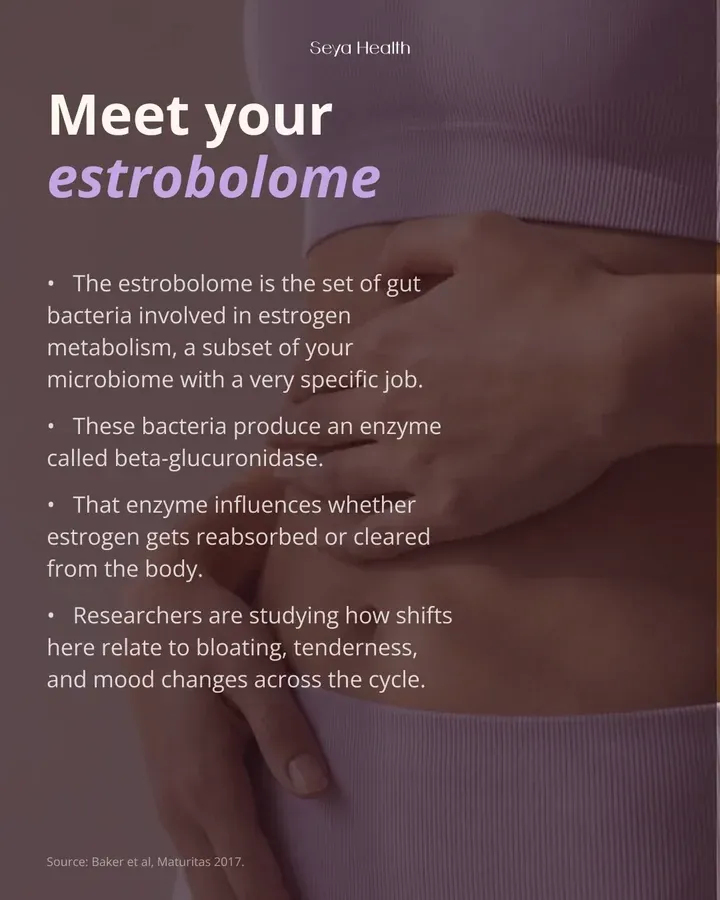
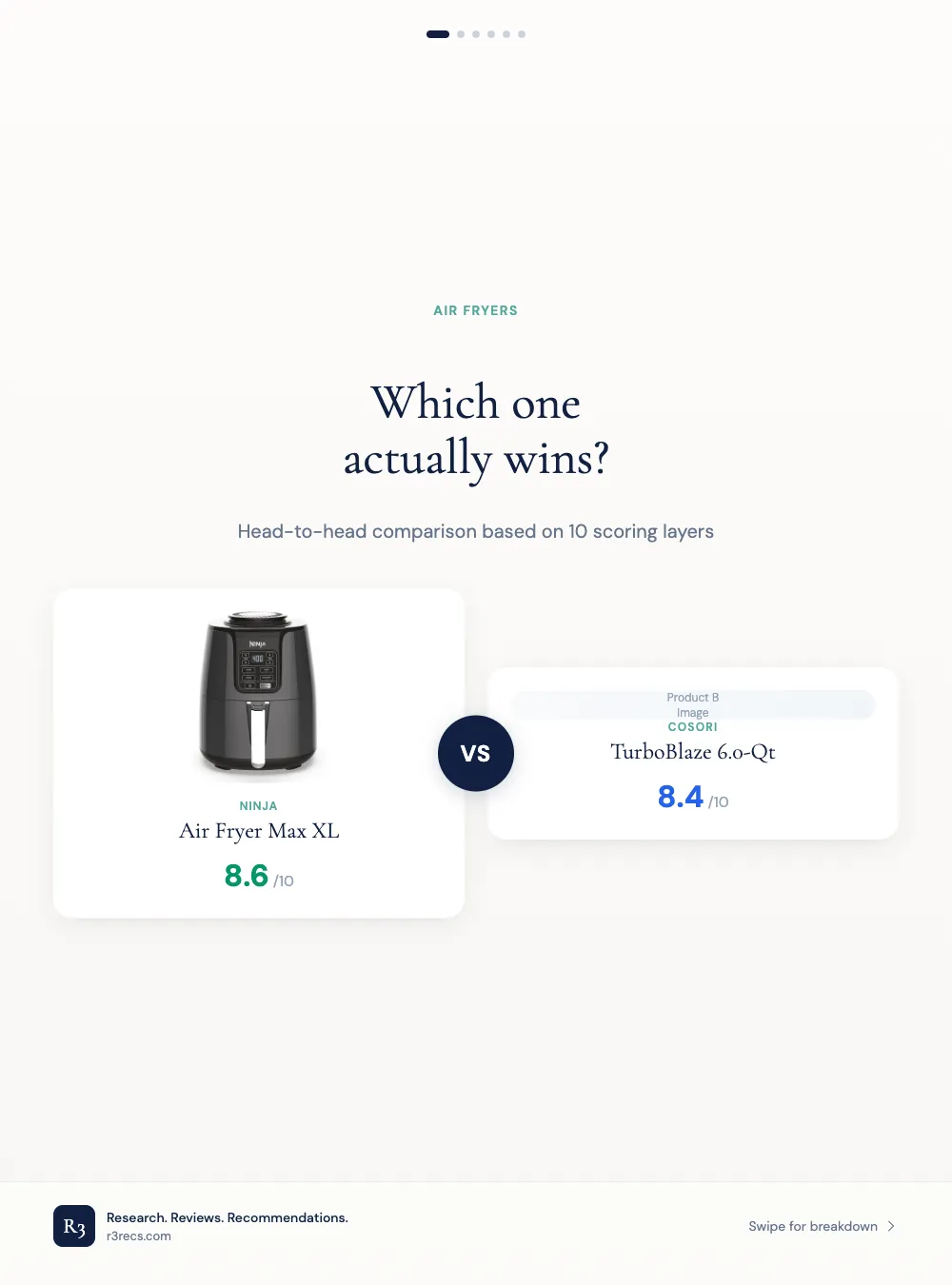
Locked templates and approved looks, then checks before any person sees an image. At R3 every carousel comes from eight locked Figma templates and goes out only after a check mark in Slack. At Seya, three approved spokesperson looks are cleared for the website, Amazon and the storefront.

Can my team edit the templates?

Yes. I build them in tools your team already uses, mostly Figma and Canva, and the pipeline fills the same templates your designers can open and change.

Do the images improve results?

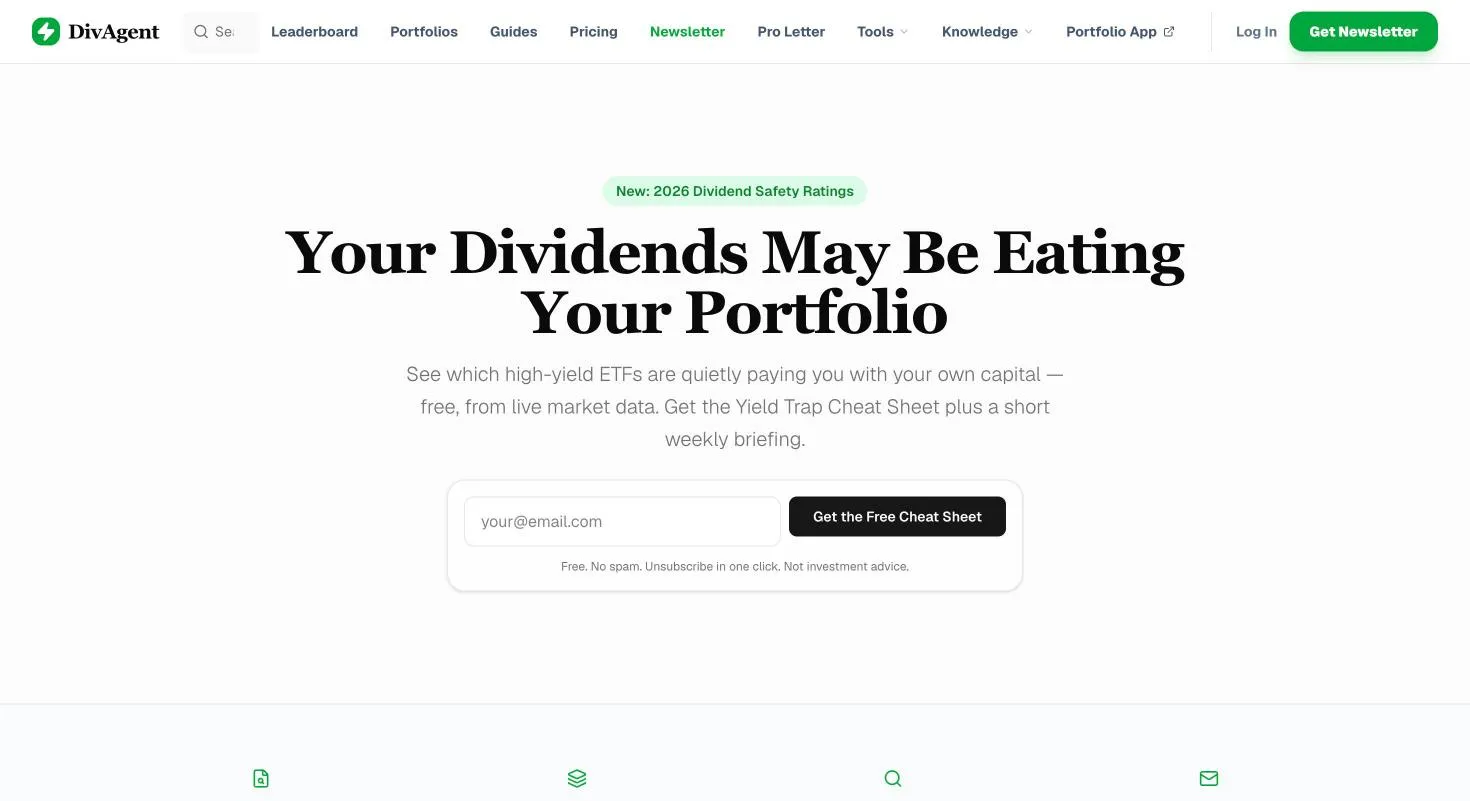
I can show output, not yet sales. R3 and DivAgent published 68 image posts between them, and Seya's ads are still pre-launch. Once ads run, each batch should be judged on clicks and sales, and I set that tracking up with you.
How much does it cost?

It depends on how many image types you need, how ready your product data is and which channels the images run on, so I quote after a short call. Tell me about your brand and where your images run on the contact page, and I send a plan and my rates by email or on Zalo.
Let's build images your team can trust to ship

Tell me what you sell, where your images run and what slows them down today. I reply within one working day.